AlexCalc
Overview
• Transform the way you calculate with AlexCalc, a powerful scientific calculator designed to make complex math intuitive, seamless, and visually stunning.
• Whether you are solving advanced engineering problems or mastering everyday equations, AlexCalc empowers you to work faster and smarter.
Beautiful, Intelligent Visualization
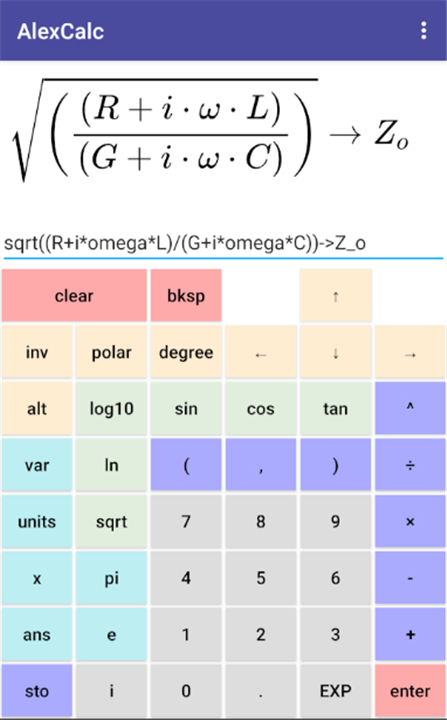
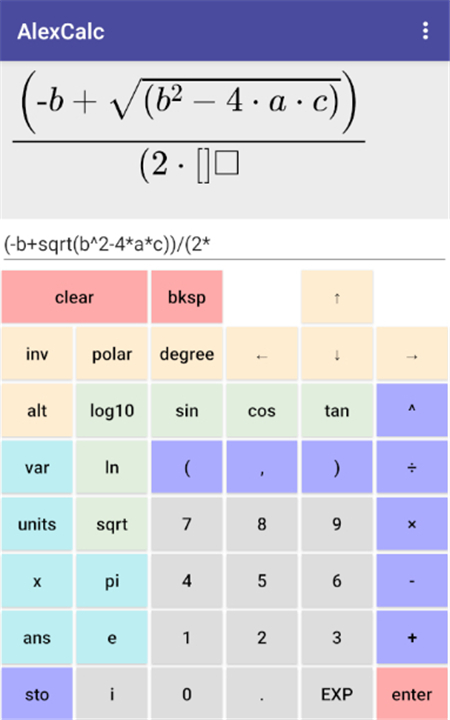
• Crystal-clear LaTeX rendering displays your equations perfectly, ending the frustration of counting brackets.
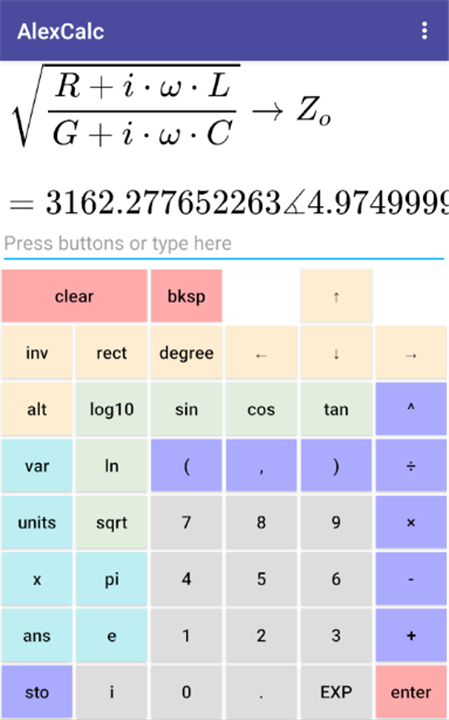
• Smart formatting automatically simplifies equations when you press enter, removing redundant parentheses and generating clean LaTeX code.
Advanced Problem-Solving Power
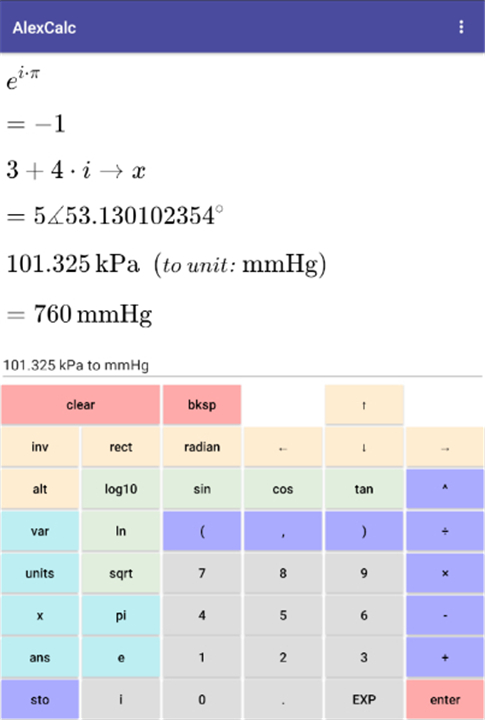
• Seamlessly handle complex numbers in both rectangular and polar formats.
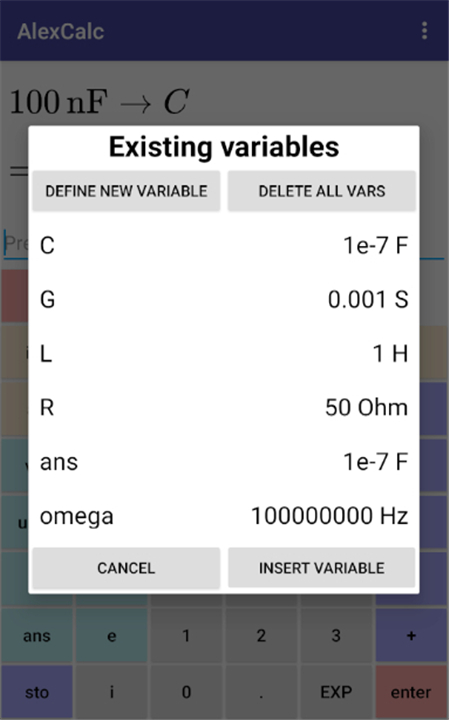
• Store and chain variables effortlessly to build dynamic, multi-step calculations.
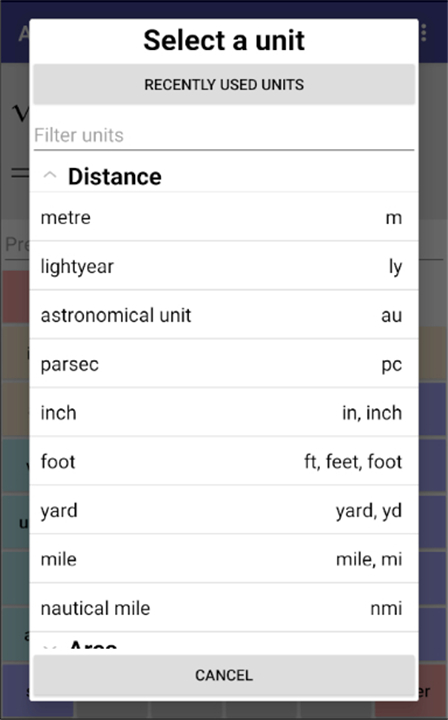
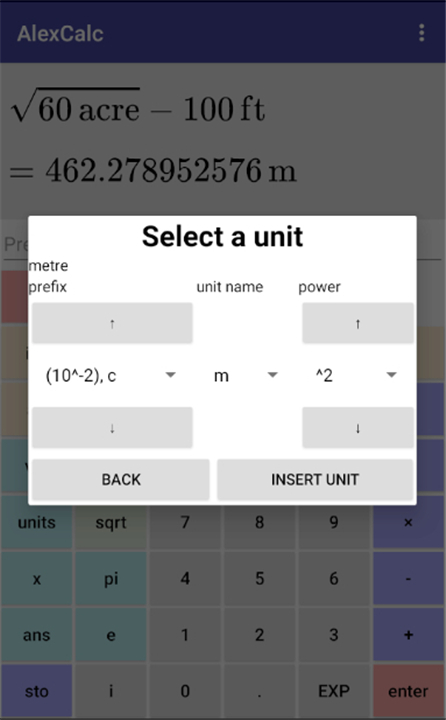
• Integrate real-world units directly into your math and convert them instantly, such as multiplying inches by feet to get square centimeters.
Effortless Usability and Workflow
• Input data your way by typing, clicking, or copy-pasting, with button presses easily converted to shareable plaintext.
• Navigate your calculation history instantly with intuitive up and down controls.
• Never lose your progress, as the app preserves your history, variables, and recently used units even after it is closed.
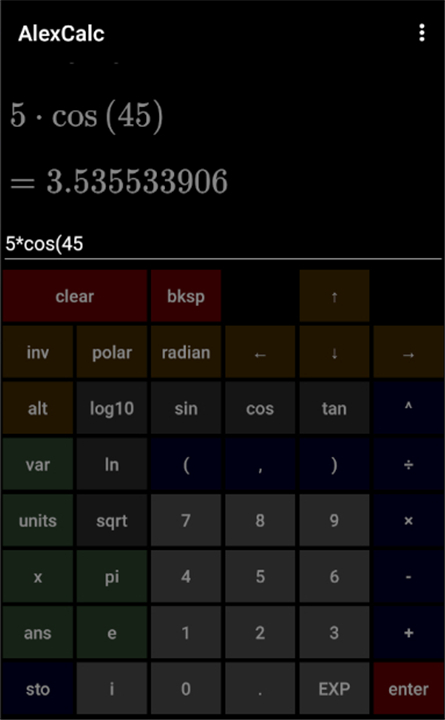
• Work comfortably in any lighting with sleek light and dark themes.
Essential Scientific Tools
• Access a full suite of standard functions, including trigonometry (sin, cos, tan, and their inverses) and logarithms (natural and base-10).
• Utilize key constants like pi and e, alongside standard square root and scientific notation capabilities.
FAQ
Q: Who can benefit most from using AlexCalc?
A: Whether you're tackling advanced engineering problems, diving into complex scientific equations, or simply mastering everyday math, AlexCalc is designed for anyone who needs accurate, efficient, and visually clear calculations.
Q: How does AlexCalc make complex equations easier to read?
A: AlexCalc features a beautiful, intelligent visualization system with crystal-clear LaTeX rendering. This means your equations are displayed perfectly, eliminating the frustration of trying to keep track of tricky brackets and ensuring everything is easy to read.
Q: Will AlexCalc automatically simplify my equations for me?
A: Yes, it certainly will! AlexCalc includes smart formatting that automatically simplifies your equations when you press enter. It removes redundant parentheses and generates clean LaTeX code, making your results much clearer.
Version History
v1.0.16——1 Sep 2026
Scientific calculator with equation display, variables, units, complex numbers. Download the latest version of AlexCalc to enjoy new features and updates immediately!
*1.0.16
Fix padding between variable names and values in "vars" popup.
Fix "dated yet pricey" theme output display background to retro LCD colour.
Add some settings to increase output display size on small screens:
- option to increase the size of the output display, and
- option to hide most or all buttons, instead relying mostly on the on-screen keyboard for text input.
*1.0.14
Added monochrome/adaptive app icon to be themable.
*1.0.11
Small changes that may fix dark mode for some phones, and some dark mode related debug options.