Klick'r - Smart AutoClicker
The Future of Smart Automation
• Embrace a smarter way to automate your mobile experience.
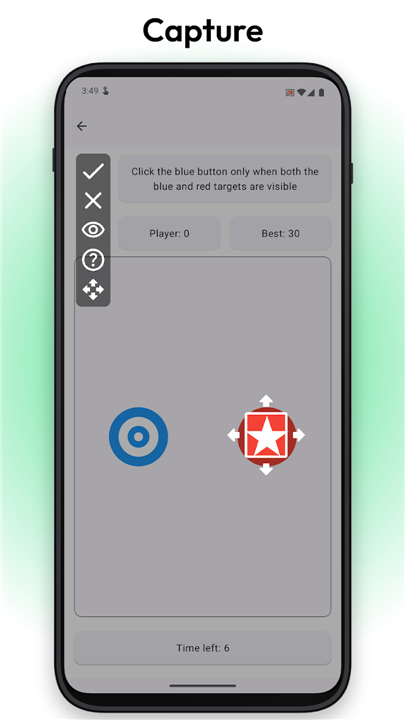
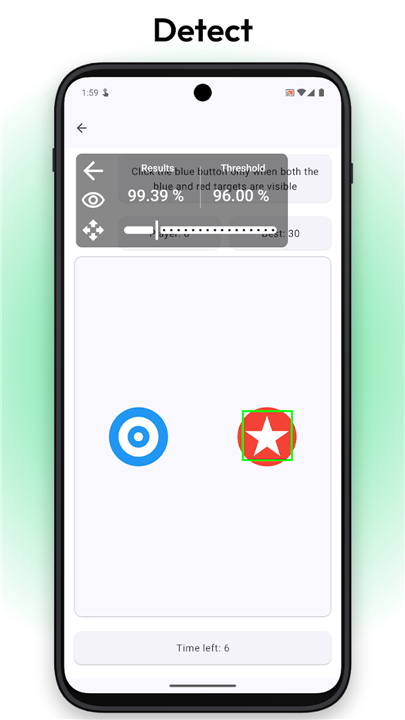
• Unlike traditional clickers that tap blindly on a rigid timer, Klick'r actively reads your screen, executing precise actions only when specific images or text appear.
• It is automation evolved—reliable, intuitive, and designed to adapt seamlessly to your needs.
Intelligent Automation
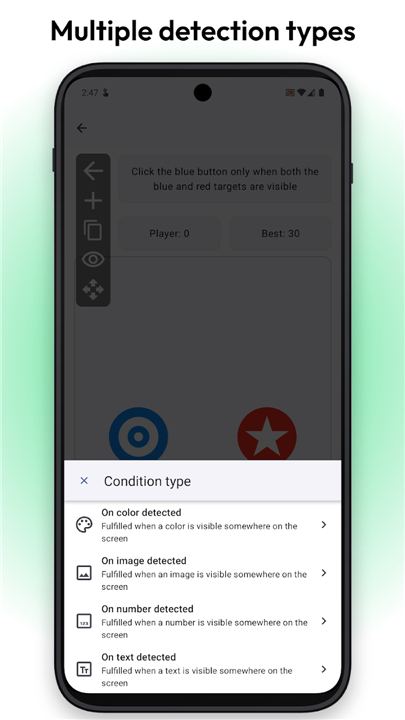
• Image Recognition: Capture any part of your screen to trigger actions only when that exact visual is detected.
• Text Detection (OCR): Power your workflows by triggering actions based on specific words appearing on your screen.
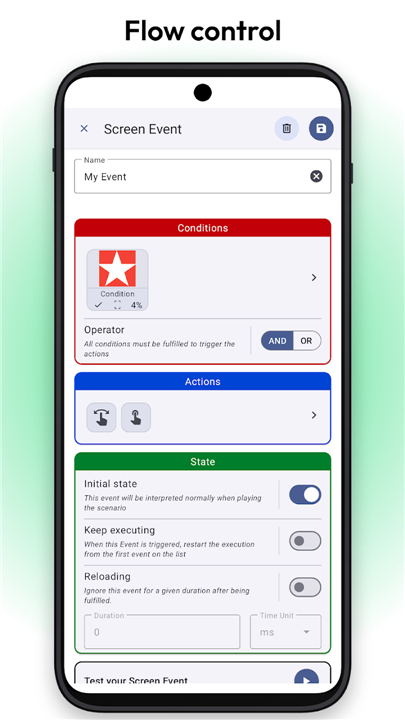
• Sophisticated Logic: Combine multiple image and text conditions using AND/OR logic for highly adaptive workflows.
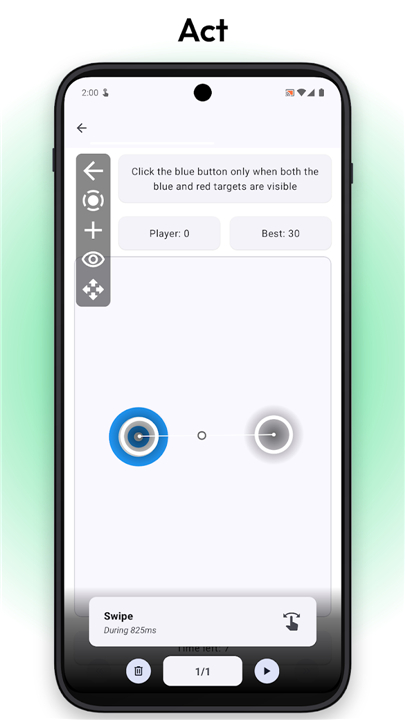
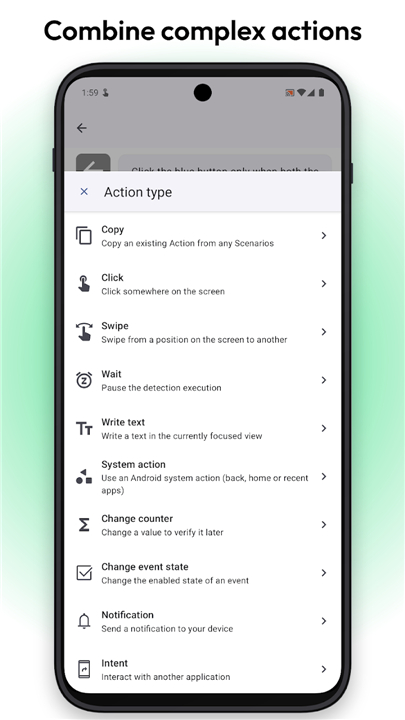
• Dynamic Actions: Customize complex sequences of clicks, swipes, and pauses with precise priority controls.
• App Integration: Connect and interact with other applications seamlessly using Android Intents.
Simplicity and Learning
• Classic Mode: Switch to rapid, timing-based tapping whenever you need simple, unconditional repetition.
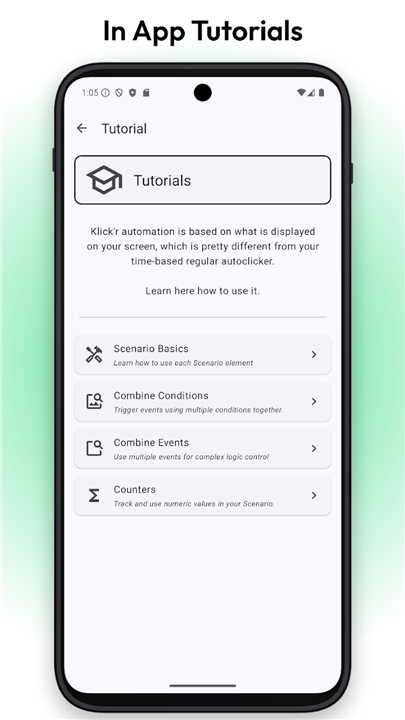
• Built-in Tutorials: Master advanced automation concepts quickly with step-by-step, interactive guides right inside the app.
Trust and Integrity
• Complete Privacy: No data collection, no accounts, and no network connections. Your data remains entirely private.
• Fully Open Source: Built under the GPL v3 license for total transparency and security.
• Flexible Access: Enjoy all features for free, or unlock the permanent Pro version with a one-time purchase to remove ads forever.
Note:
• Klick'r requires the Android Accessibility Service permission solely to perform the automated taps and swipes you configure.
• Your privacy and security are always protected.
FAQ
Q: How does the image recognition feature work in Klick'r?
A: Klick'r allows you to capture any small portion of your screen to act as a visual trigger. Once you save this visual snippet, the app continuously scans your screen for that exact match. When the app detects the image, it instantly executes the precise sequence of taps or swipes you have configured for it.
Q: Can Klick'r read and react to text shown on my screen?
A: Yes, it certainly can. Klick'r features highly accurate Optical Character Recognition, also known as OCR. This powerful tool allows the app to detect specific words or phrases on your screen and use them to power your automated workflows. It is perfect for reacting to dynamic text updates or button labels that might change during your tasks.
Q: What kind of logic can I use to build complex automation workflows?
A: For users looking to build more advanced setups, Klick'r offers sophisticated conditional logic. You can combine multiple image and text conditions using simple AND and OR logic rules. This allows you to create highly adaptive workflows that only trigger actions when a very specific combination of events occurs on your screen.
Version History
v4.0.1——2 Sep 2026
Smart automation: detect images & text on screen, then act. Download the latest version of Klick'r - Smart AutoClicker to enjoy new features and updates immediately!
*4.0.1
Minor bug fixes and improvements. Install or update to the newest version to check it out!
*4.0.0
Minor bug fixes and improvements. Install or update to the newest version to check it out!
*3.5.1
Minor bug fixes and improvements. Install or update to the newest version to check it out!