AVNC
An Advanced Open-Source Android VNC Client
• AVNC is a robust, open-source VNC (Virtual Network Computing) client specifically designed for Android devices.
• It empowers users to gain remote control over any computer or device running a compatible VNC server, effectively transforming an Android handset or tablet into a portable control station for desktops, servers, or other systems.
Core Functionality
• This application facilitates full remote interaction, allowing users to view the server's desktop and interact with its mouse, keyboard, and input peripherals directly from their Android device.
• This capability is crucial for remote administration, technical support, or accessing personal computers on the go.
Key Features and Enhancements
1. User Experience & Interface
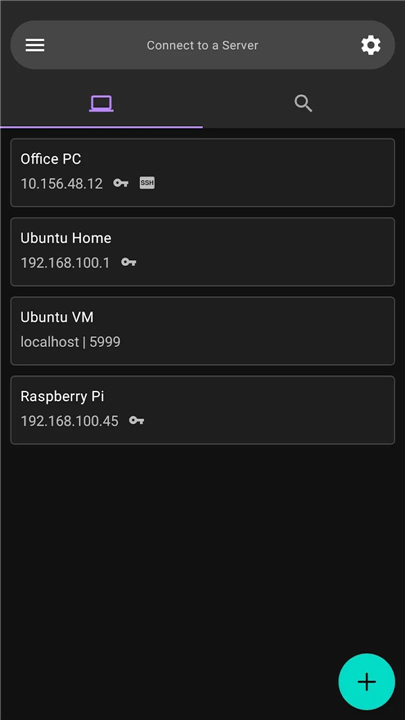
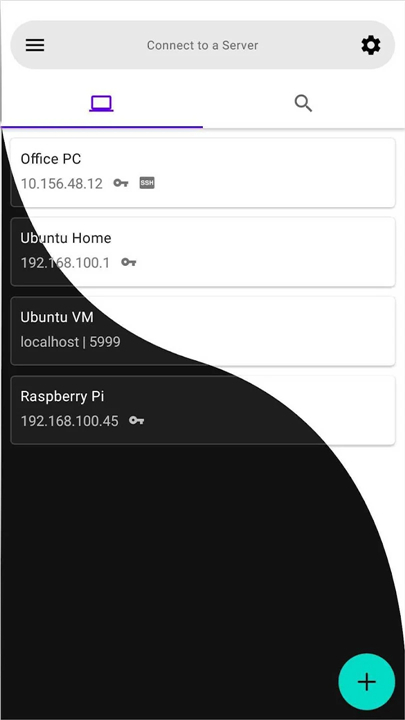
• Material Design (with Dark theme): Offers a modern, intuitive, and visually appealing user interface, including an optional dark theme.
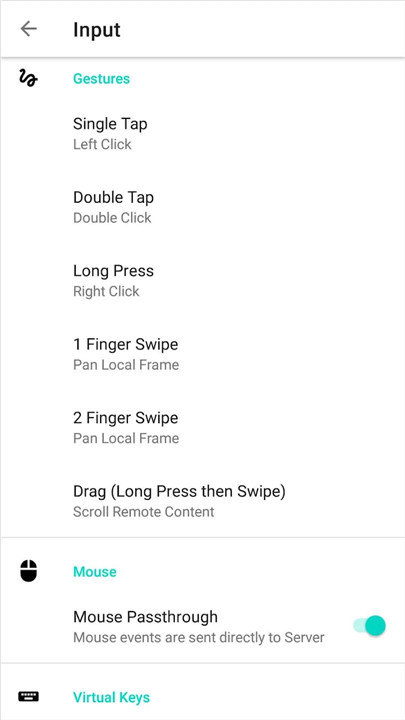
• Configurable gestures: Provides customizable touch gestures for precise control and navigation.
• Virtual Keys: Integrates on-screen virtual keys to simulate common keyboard shortcuts and functions.
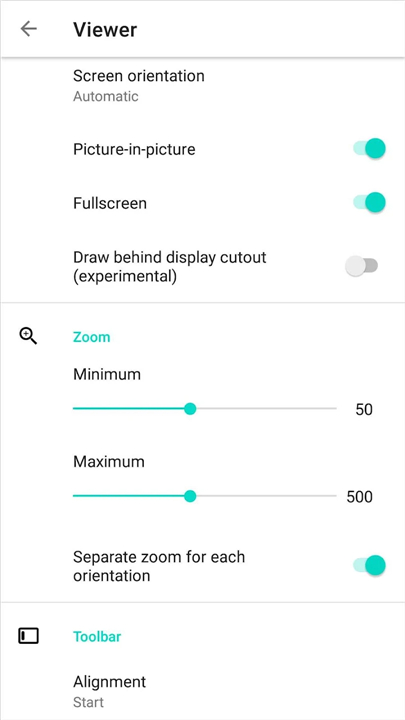
• Picture-in-Picture mode: Enables multitasking by allowing the VNC session to run in a floating window.
2. Connectivity & Network Management
• VNC Repeater support: Connects to VNC servers located behind firewalls or NAT routers.
• Wake-on-LAN support: Power on remote computers directly from the client.
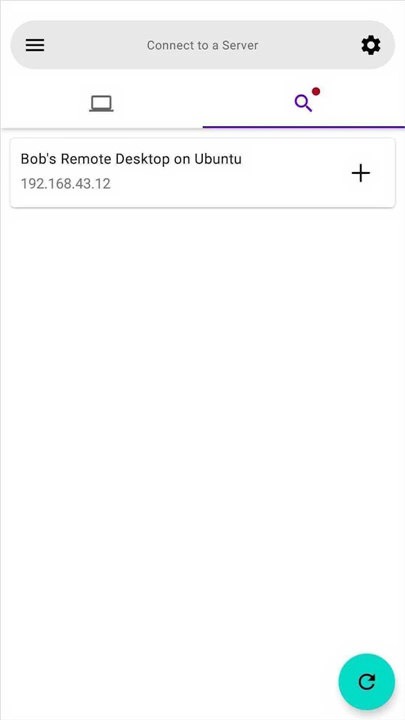
• Zeroconf Automatic Server Discovery: Automatically identifies and lists available VNC servers on the local network.
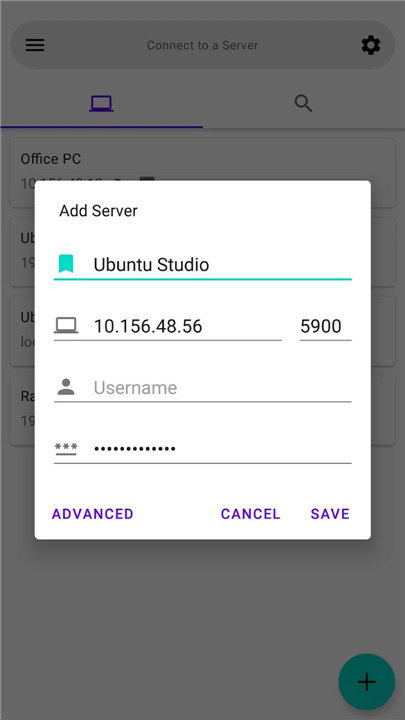
• Import/Export servers: Facilitates easy migration and backup of server configurations.
• vnc:// URI support: Allows quick connection initiation directly from web links.
3. Security & Performance
• Built-in SSH tunnel (VNC over SSH): Establishes secure, encrypted connections to VNC servers.
• TLS support (AnonTLS, VeNCrypt): Enhances security with robust Transport Layer Security protocols.
• Tight encoding: Utilizes efficient data compression for faster and more responsive remote desktop experiences.
4. Operational Modes
• View-only mode: Allows monitoring of the remote desktop without accidental input.
• No-video mode: Optimizes bandwidth by disabling the visual feed, useful for specific control tasks or low-bandwidth scenarios.
(Source: https://github.com/gujjwal00/avnc)
FAQ
Q: What kind of remote interaction does AVNC offer once I connect to a computer?
A: Once you establish a connection, AVNC displays the remote desktop directly on your Android screen. You can interact with the host system just as if you were sitting right in front of it. The app translates your touch inputs into mouse movements and clicks, and it provides a fully functional keyboard interface, allowing you to run applications, troubleshoot issues, or perform system administration tasks seamlessly.
Q: Can I customize the user interface or use a dark theme to save my eyes at night?
A: Yes, you absolutely can. AVNC is built with a sleek Material Design interface that is both modern and highly intuitive. It includes a beautiful Dark theme option, which is perfect for reducing eye strain during late-night system maintenance or remote support sessions.
Q: Is it easy to navigate a desktop screen using an Android touch screen with AVNC?
A: Navigating a large desktop screen on a smaller mobile display can be tricky, but AVNC solves this by offering highly configurable touch gestures. You can customize how taps, swipes, and multi-finger gestures behave to match your personal preferences. This level of customization ensures that controlling your mouse cursor and navigating complex desktop layouts feels natural and highly precise.
Version History
v3.3.0——27 Jul 2026
Fast & Secure VNC client for Android Download the latest version of AVNC to enjoy new features and updates immediately!
*3.3.0
* Upgrade Target SDK to 36
* Fixed couple of crashes
* Translations updates
*3.2.2
* Fixed SSH connections on older devices
* Don't enter Picture-in-Picture mode if video is disabled
* Fixed virtual keys showing above viewer help
*3.2.1
* Fixed SSH connections on older devices
* Don't enter Picture-in-Picture mode if video is disabled
* Fixed virtual keys showing above viewer help