Simple Keyboard
Overview
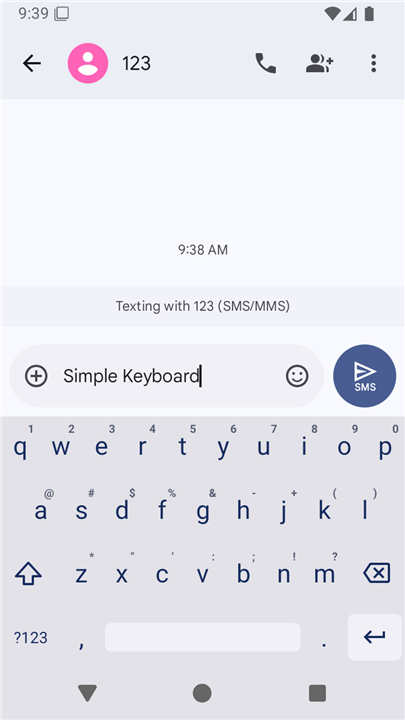
• Simple Keyboard is a lightweight, minimalist input method designed specifically for users who prioritize efficiency, speed, and privacy over unnecessary features.
Quick Setup Guide
• Open the Simple Keyboard application directly from your device launcher.
• Enable the keyboard in your system settings. A standard operating system warning regarding potential data tracking will appear, which is normal for all third-party keyboards.
• Switch your active input method to Simple Keyboard. This is usually accomplished by long-pressing the spacebar on your current keyboard.
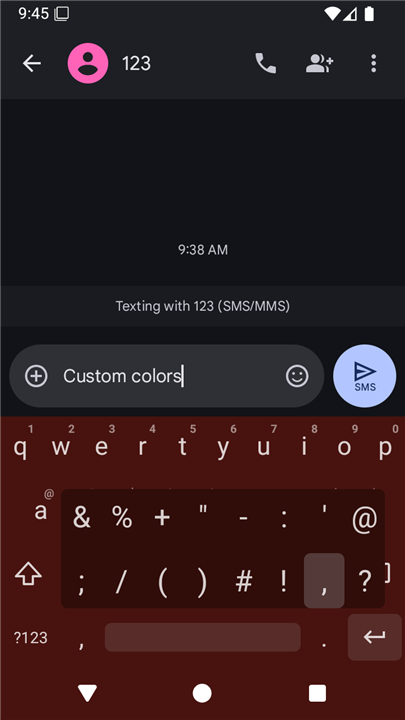
• Customize your typing experience by long-pressing the comma key, or by navigating to your device's Language and Input settings menu.
Key Features
• Tiny installation footprint of less than 1 megabyte to save device storage.
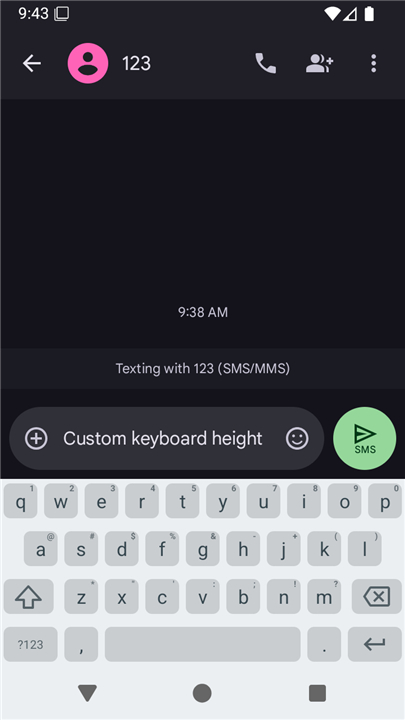
• Adjustable keyboard height to maximize on-screen viewing space.
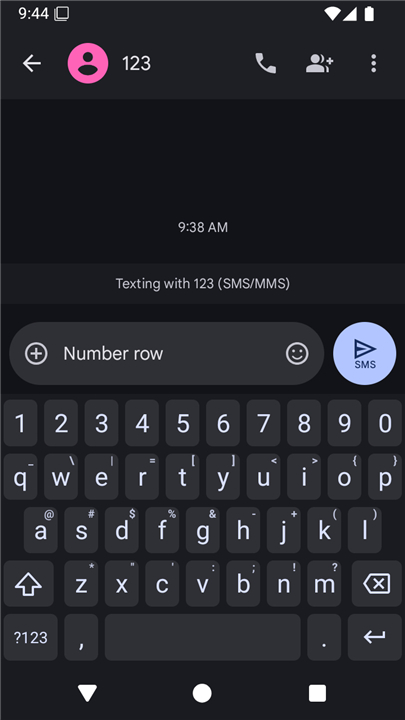
• Dedicated number row for faster numeric input.
• Gestures to slide across the spacebar for precise cursor movement.
• Quick-delete functionality activated by swiping left.
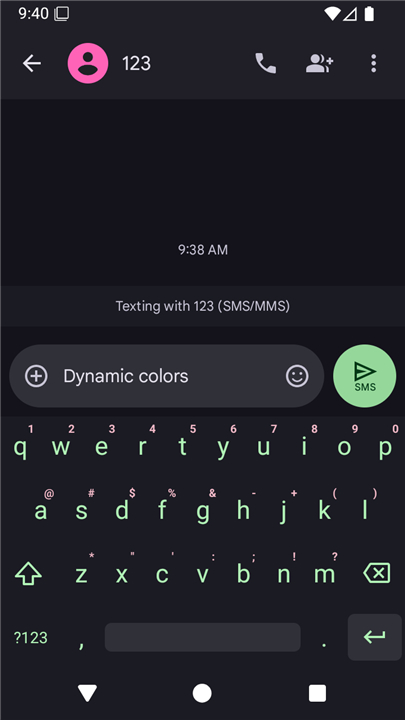
• Custom theme colors to match your personal aesthetic.
• Enhanced privacy with zero advertisements and minimal system permissions, requiring only vibration feedback.
Omitted Features
To maintain peak performance, low memory usage, and maximum simplicity, this software intentionally excludes the following:
• Emojis and sticker packs.
• GIF search and sharing.
• Automatic spell checking and auto-correct.
• Swipe-to-type gesture writing.
License and Open Source
• This application is fully open-source, promoting transparency and security.
• The source code is freely available via the link at the bottom of the store page and is distributed under the Apache License, Version 2.0.
FAQ
Q: How do I get Simple Keyboard up and running on my device?
A: Setting up the keyboard is very straightforward. First, open the Simple Keyboard application directly from your device launcher and enable it in your system settings. Once enabled, you can switch your active input method by long-pressing the spacebar on your current keyboard and selecting Simple Keyboard from the list.
Q: During setup, I saw a warning about data tracking. Should I be worried?
A: You do not need to worry at all. This is a standard operating system warning that automatically appears whenever you enable any third-party keyboard on your device. Simple Keyboard respects your privacy entirely and does not track, collect, or transmit any of your personal typing data.
Q: How can I switch back and forth between Simple Keyboard and my other keyboards?
A: Switching between your active keyboards is quite easy. On most devices, you can simply long-press the spacebar on your active keyboard to bring up the system input menu, which allows you to seamlessly switch back and forth whenever you need to use a different input layout.
Version History
v6.5——27 Jul 2026
Simple Keyboard is a lightweight keyboard app that focuses on fast, private typing without extra add‑ons. Download the latest version of Simple Keyboard to enjoy new features and updates immediately!
*6.5
SDK update
*6.4
Theme setting type fix in Managed Configuration
*6.3
Clipboard paste button in long-press ","
Clipboard paste and Settings buttons in number layouts