TagSpaces – Files & Tags
Take Control of Your Digital Life
• Stop fighting with chaotic folders and restrictive cloud services.
• TagSpaces is the privacy-first file manager that gives you total ownership over your data.
• By tagging, annotating, and color-coding your files directly on your local device, you can create a personalized information ecosystem that works offline, stays private, and remains entirely yours.
Why Choose TagSpaces?
1. True Data Sovereignty:
• No accounts, no tracking, and no proprietary clouds.
• Your files remain on your device or in your own storage.
2. Portable Organization:
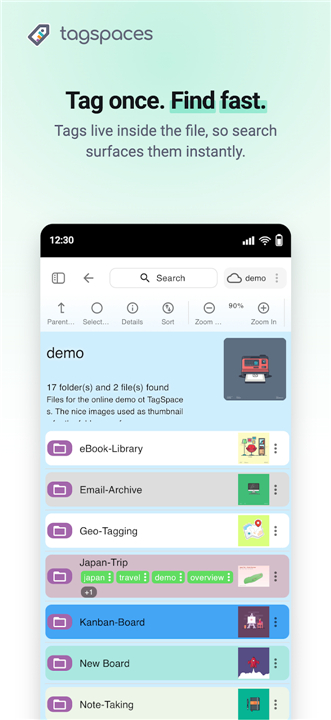
• We store your tags in simple, readable sidecar files.
• If you ever stop using the app, your organizational structure stays perfectly intact with your data.
3. Seamless Integration:
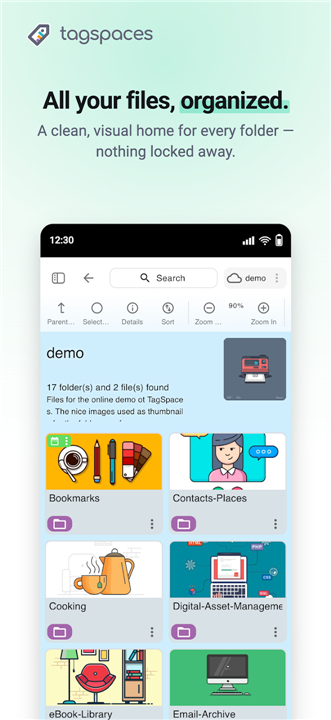
• TagSpaces interacts with your existing folder structure without moving or locking your files.
4. Universal Access:
• Designed for the modern workflow, it works across Windows, macOS, Linux, and the web, keeping your collection consistent everywhere.
Key Features for Power Users
1. Intelligent Management:
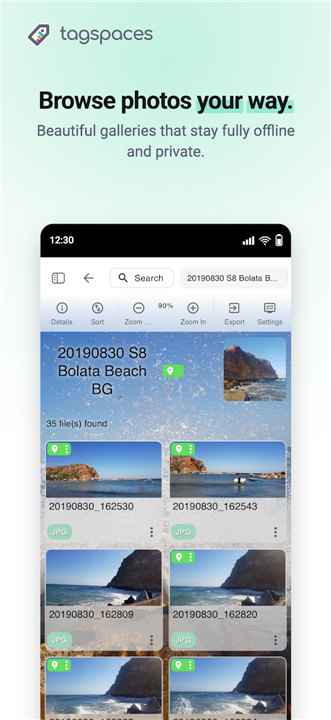
• Rapidly filter by keywords, content, or file names and toggle between intuitive grid and list views.
2. Integrated Suite:
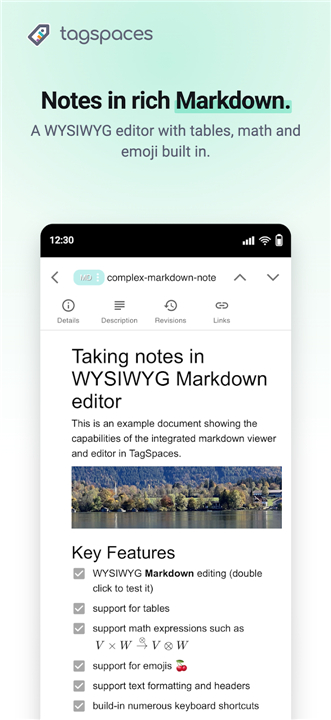
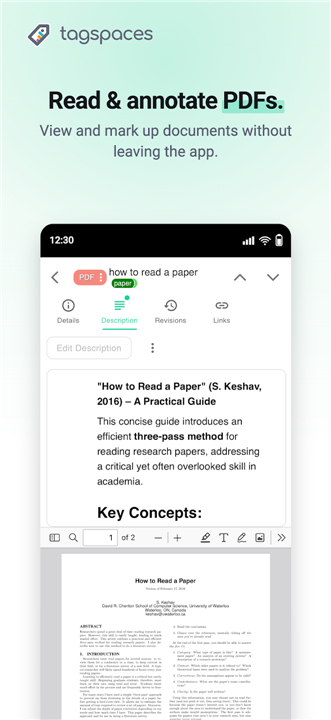
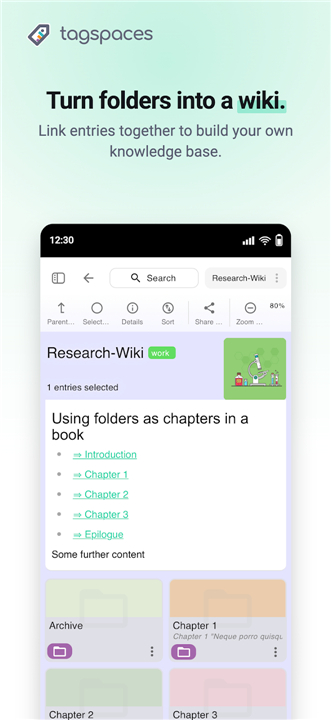
• Enjoy built-in viewers for media and documents, plus a robust Markdown and rich-text editor for seamless note-taking.
3. Flexible Storage:
• Connect your own infrastructure, including Amazon S3 and S3-compatible cloud buckets.
Unlock More with TagSpaces Pro
Elevate your productivity with a one-time purchase—no subscriptions, ever.
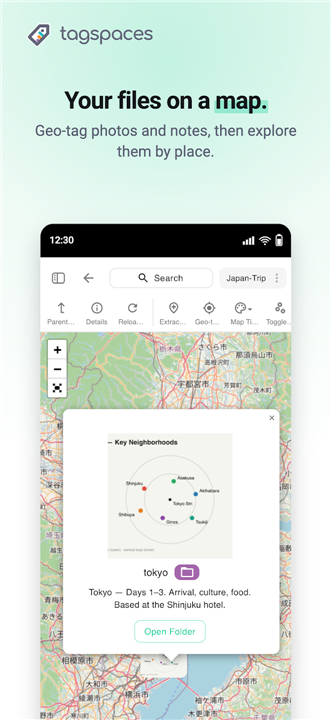
• Dynamic Perspectives: Visualize your files through Kanban boards, calendars, image galleries, and interactive map views.
• Advanced Metadata: Utilize geo-tagging, custom folder aesthetics, and enhanced revision control for your notes.
The Ideal Solution For:
• Organizers: Managing photos, documents, and messy downloads with ease.
• Creators: Researchers, writers, and note-takers who need a reliable, private workspace.
• Privacy Advocates: Anyone looking to escape the limitations of cloud-locked, ad-supported software.
Your files. Your tags. Your storage.
• Reclaim control of your digital workspace with TagSpaces.
FAQ
Q: Where are my files stored when I use TagSpaces?
A: Your files remain exactly where you put them on your local drive or your own chosen cloud storage. TagSpaces does not import your data into a proprietary database or a locked cloud ecosystem, ensuring that you maintain complete ownership and sovereignty over your information at all times.
Q: If I decide to stop using TagSpaces, will I lose my tags?
A: You will not lose your organizational work because TagSpaces stores your tags in small sidecar files that travel with your documents. If you decide to move on, your tags remain attached to your files, ensuring your data remains organized even outside of our software.
Q: Do I need to create an account to start using the app?
A: There is no need to register or create an account with us. We prioritize your privacy above all else, which is why the application functions without any tracking, cloud-based logins, or external dependencies.
Version History
v6.13.12——20 Jul 2026
Organize files and folders with tags and colors. Private, no account. Download the latest version of TagSpaces – Files & Tags to enjoy new features and updates immediately!
*6.13.12
Minor bug fixes and improvements. Install or update to the newest version to check it out!
*6.13.11
Minor bug fixes and improvements. Install or update to the newest version to check it out!
*6.13.9
Minor bug fixes and improvements. Install or update to the newest version to check it out!