Unicode Pad
Key Features
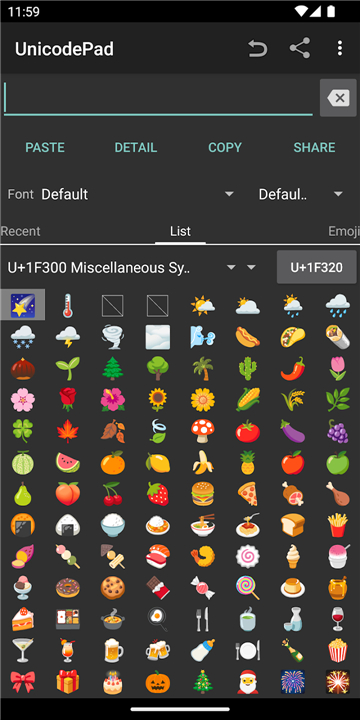
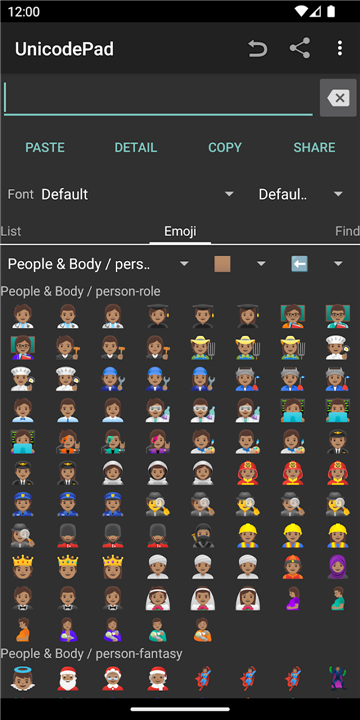
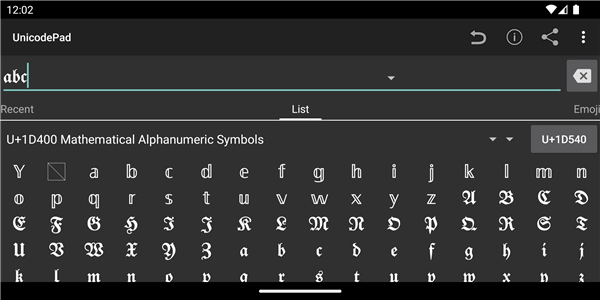
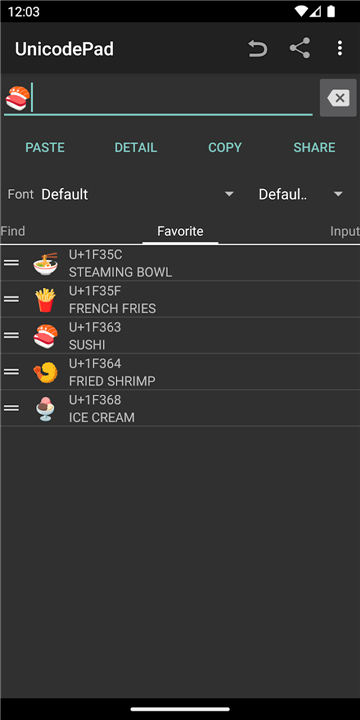
• Input any available Unicode character seamlessly into your text.
• Copy typed text strings directly to the system clipboard for immediate use across other apps.
• Integrate with Mushroom extensions for direct, seamless text input into compatible applications.
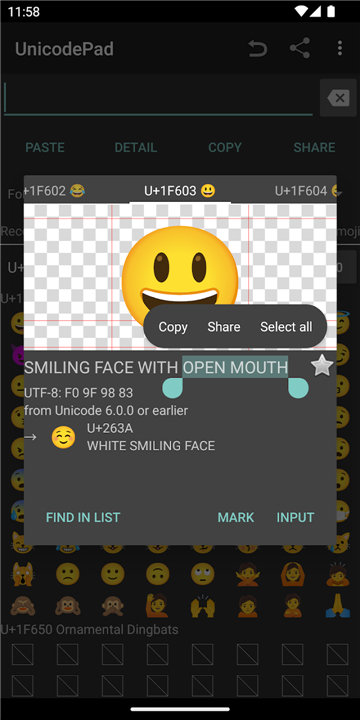
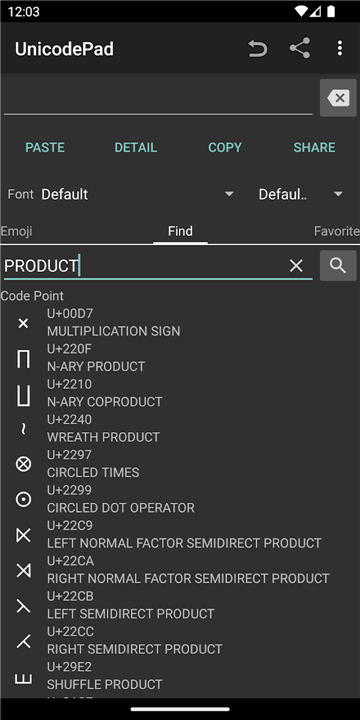
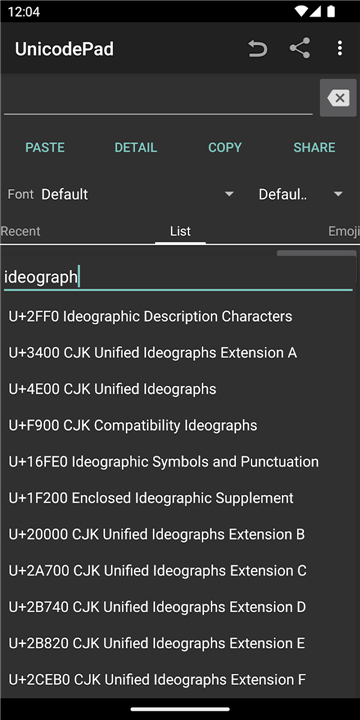
• Easily locate the exact position of any selected character within the main list.
• Save and memorize your favorite characters for fast retrieval and future input.
User Controls
• Single Tap / Click: Instantly inputs the selected character into your text area.
• Long Tap / Click: Displays an enlarged preview of the character along with its full Unicode code point and detailed information.
Font Display Solutions
• If special characters render as blank boxes or question marks, install a comprehensive font package.
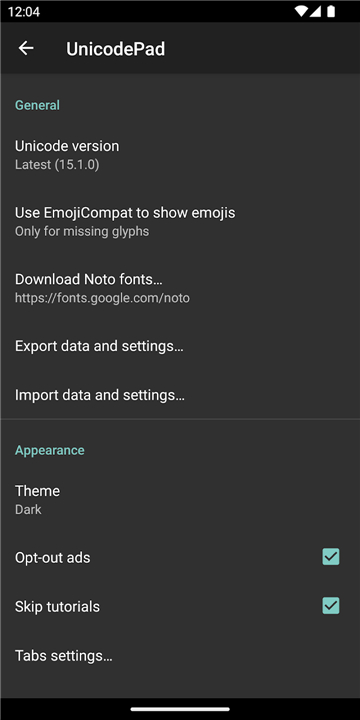
• It is recommended to download Google Noto Fonts from https://www.google.com/get/noto/ and select it within the application settings to display all scripts correctly.
Developer and Legal Information
• Unicode Pad is open-source, and users are welcome to contribute to the project via GitHub at https://github.com/Ryosuke839/UnicodePad.
• This application incorporates modified data from the official Unicode Data File (v13.0.0, NamesList.txt).
• Copyright © 1991-2020 Unicode, Inc. All rights reserved. Distributed under the official Unicode Terms of Use (http://www.unicode.org/copyright.html).
FAQ
Q: How can I transfer the text I created in Unicode Pad to another app?
A: Once you have typed out your desired text string, you can copy it directly to your system clipboard with a single tap. After copying, simply open your target app, such as a messaging or editing program, and paste the text where you need it.
Q: Is there a way to save characters I use often so I do not have to search for them every time?
A: Yes, Unicode Pad allows you to save and memorize your favorite characters. This convenient feature organizes your most frequently used symbols into a quick-access area for fast retrieval and hassle-free future input.
Q: How do I locate the exact position of a specific character in the main list?
A: When you select a character, Unicode Pad includes a feature that lets you jump straight to its exact position within the main master list. This makes it easy to explore surrounding characters or check related code points without scrolling through thousands of entries.
Version History
v2.19.3——17 Aug 2026
Input all characters in Unicode with UnicodePad. Download the latest version of Unicode Pad to enjoy new features and updates immediately!
*2.19.3
- Support font fallback
- Support edge-to-edge on API 30+
- Fixed minor bugs
Details: https://github.com/Ryosuke839/UnicodePad/releases/tag/v2.19.3
*2.18.3
- Fixed ANR on startup
- Updated some translations
Details: https://github.com/Ryosuke839/UnicodePad/releases/tag/v2.18.3
*2.18.0
- Supported Unihan data on CJK Unified Ideographs
- Strokes, definition, and pronunciations are listed on character sheet
- Characters are searchable by definition and pronunciations
- Radical-stroke index tab is added
- Updated some translations
Details: https://github.com/Ryosuke839/UnicodePad/releases/tag/v2.18.0