Data Stats
Overview
• Data Stats is a lightweight, open-source utility designed specifically for the Android operating system.
• It functions as a straightforward network traffic and speed monitor, providing users with real-time insight into their device's internet connection.
Core Functionality
• Real-Time Monitoring: Accurately measures and displays current download and upload speeds as data passes through the device.
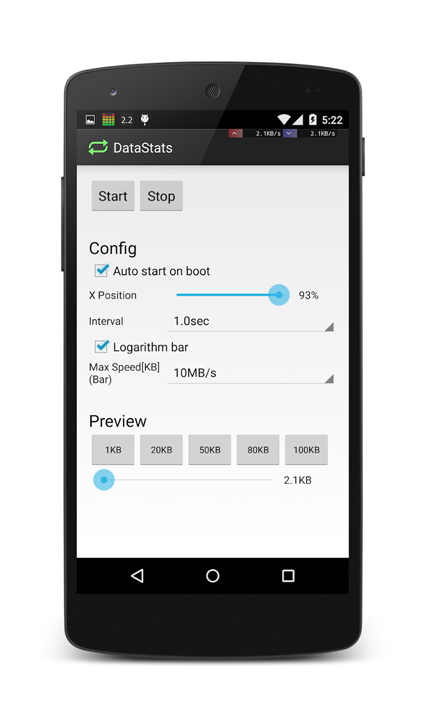
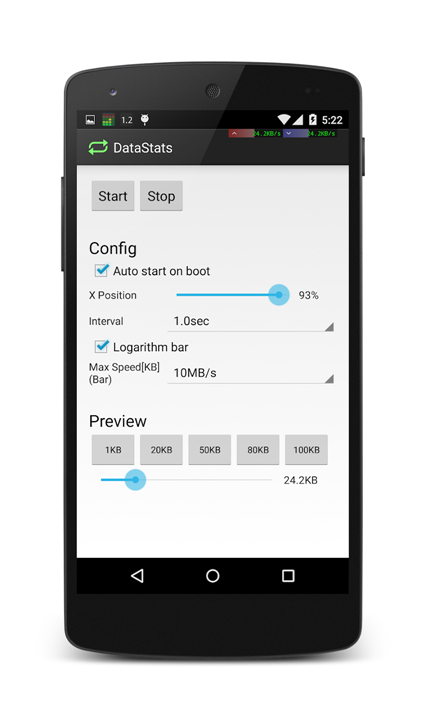
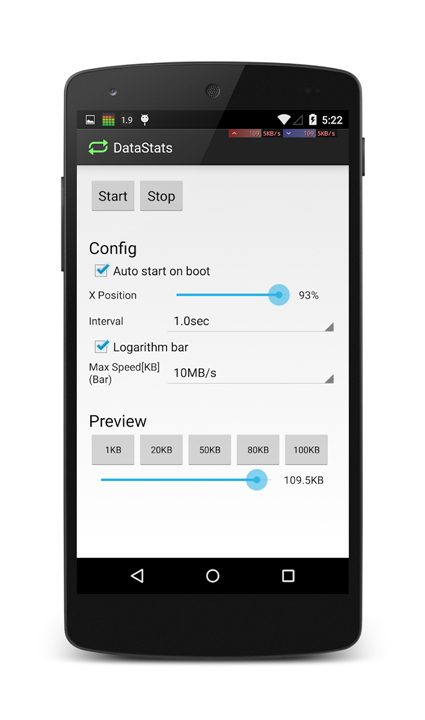
• Notification Bar Integration: Seamlessly overlays connection speeds directly onto the Android status bar or notification shade for quick viewing without switching apps.
• Data Tracking: Helps users keep track of active bandwidth usage to prevent unexpected overages on mobile data plans.
Key Features and Benefits
• Minimalist Design: Focuses purely on utility, providing an unobtrusive, ad-free experience without unnecessary features.
• Resource Efficient: Optimized for minimal CPU and memory usage, ensuring the app runs smoothly in the background without draining the battery.
• Customization Options: Offers basic settings to adjust display formats, unit metrics (such as KB/s or MB/s), and visual layouts according to user preference.
Source and Availability
• Open-Source Codebase: The project is fully open-source, allowing for complete transparency, security audits, and community contributions.
• Developer Repository: The source code, release builds, and development updates are publicly accessible via GitHub at https://github.com/takke/DataStats.
FAQ
Q: How can I check my current internet speed without having to leave the app I am currently using?
A: The app features a clever integration with the Android notification system, allowing it to overlay your current download and upload speeds directly onto your status bar or within the notification shade. This means you can keep an eye on your connection stability and speed while browsing, gaming, or streaming without ever needing to toggle between different applications.
Q: Will keeping this monitor running in the background cause a significant drain on my battery or slow down my device?
A: Not at all, as Data Stats is built to be exceptionally resource-efficient. The developers have optimized the code to ensure it uses a minimal amount of CPU and memory, which allows the utility to run continuously in the background without noticeably impacting your battery life or overall system performance.
Q: Am I able to customize how the data speed is measured, such as switching between different metric units?
A: Yes, the app provides several basic customization settings that allow you to tailor the experience to your preferences. You can easily adjust the display formats and choose between different unit metrics like KB/s or MB/s, ensuring the data is presented in a way that is most useful for your specific monitoring needs.
Version History
v4.0.1——17 Aug 2026
Simple Traffic Speed Meter for Android Download the latest version of Data Stats to enjoy new features and updates immediately!
*4.0.1
Minor bug fixes and improvements. Install or update to the newest version to check it out!
*4.0.0
Minor bug fixes and improvements. Install or update to the newest version to check it out!
*3.0.0
Minor bug fixes and improvements. Install or update to the newest version to check it out!