Lumolight
The Ultimate LED & Screen Flashlight for Android
• A sleek, fast‑acting flashlight app that combines a powerful LED beam with a fully customizable screen light.
• Whether you’re coping with a power outage, reading in the dark, or need a subtle glow for selfies, Lumolight delivers the right illumination every time.
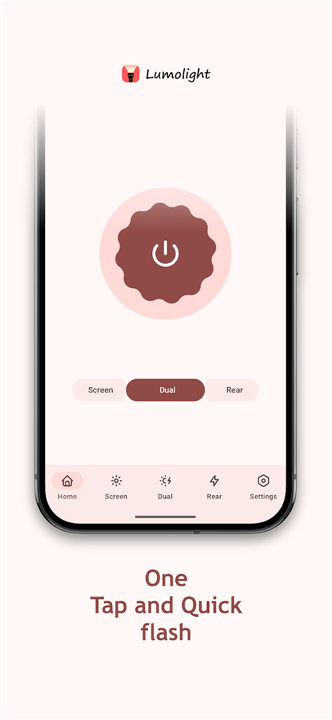
LED Flashlight
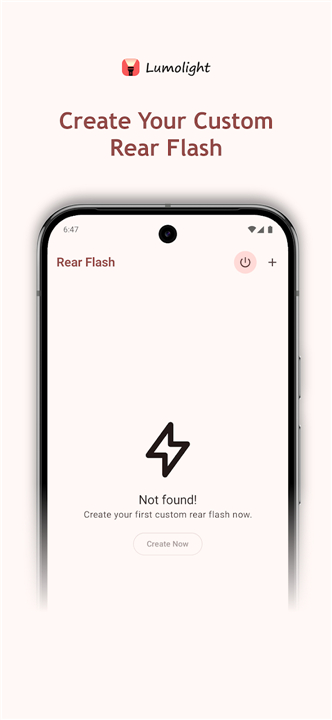
• Bright, high‑intensity LED output
• Adjustable duration for timed use
• Blink mode with selectable speed (BPM)
• Brightness control on compatible devices
Screen Flashlight
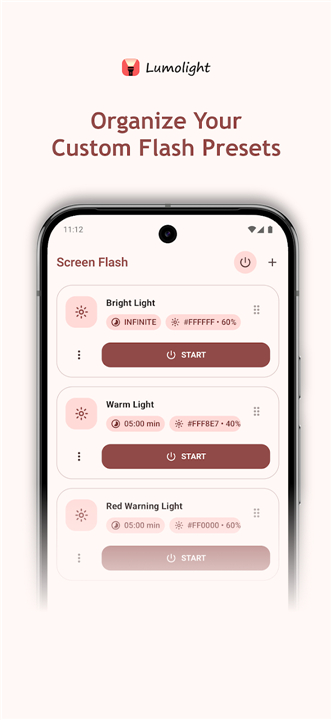
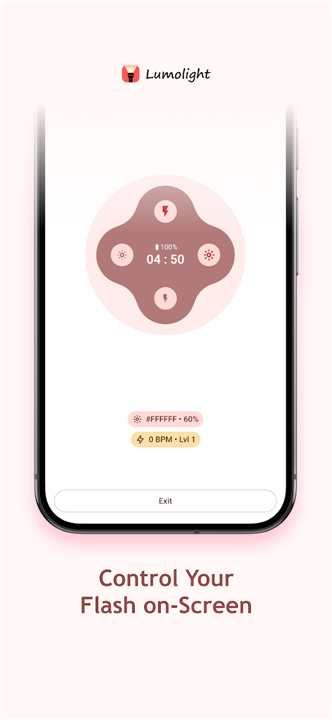
• Turns the phone’s display into a soft or colored light source
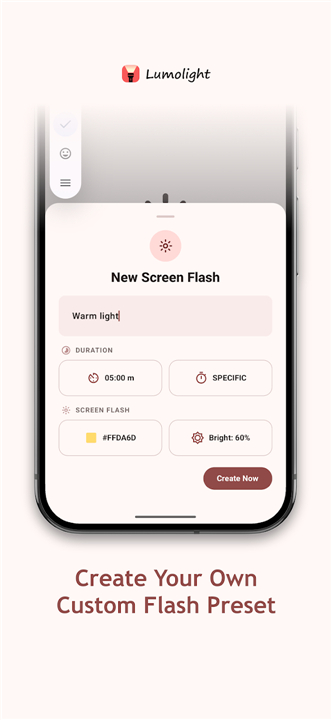
• Choose white or any hue you prefer
• Fine‑tune brightness and set a custom timeout
• Full‑screen mode for maximum coverage
• Ideal for: night‑time reading, locating objects, bedside lighting, selfie illumination, or any situation where the camera flash isn’t appropriate.
Instant Access & Convenience
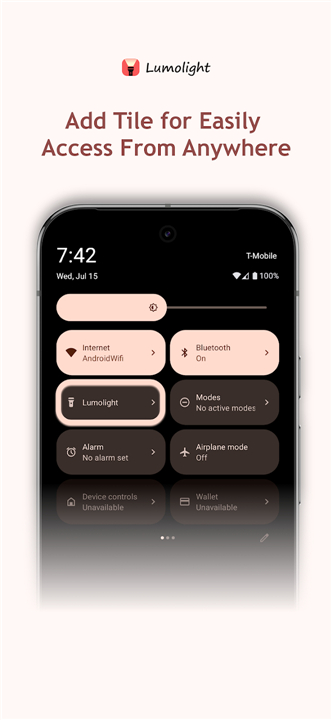
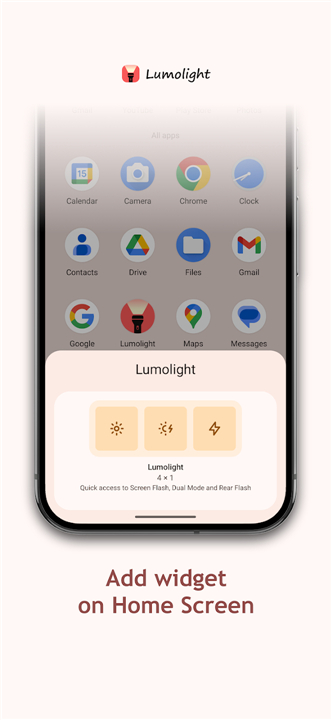
• Quick‑Settings tile for one‑tap activation
• Volume‑button control of screen brightness
• Minimal‑delay startup and an uncluttered interface
Designed for Modern Android
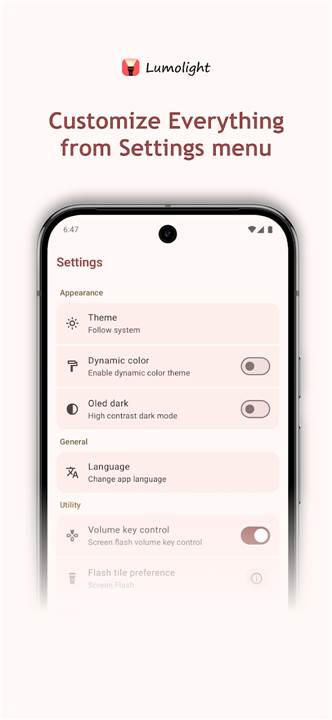
• Follows Material You guidelines with dynamic color theming
• Supports both light and dark modes
• Smooth animations and a responsive layout that adapts to any device
Why Choose Lumolight?
• Two lighting solutions in a single, lightweight app
• Highly customizable to fit every need
• Fast performance with regular updates and bug fixes
• Built for everyday convenience and emergency reliability
Download Lumolight now
• Experience a modern, customizable flashlight that’s ready whenever you are.
FAQ
Q: How do I turn on the LED flashlight?
A: Open the app and tap the “LED Flashlight” button. The LED will ignite instantly, and you can adjust the brightness (if your device supports it) directly from the on‑screen slider. The flashlight stays on until you tap the button again or the timer you set runs out.
Q: Can I set a timer for the LED to turn off automatically?
A: Yes. After activating the LED, tap the “Duration” option and choose a preset interval or enter a custom number of minutes. When the timer expires, the LED shuts off automatically, helping you conserve battery and avoid leaving the light on unintentionally.
Q: Is there a blinking mode, and how fast can it blink?
A: Lumolight includes a blink mode with selectable speed measured in beats‑per‑minute (BPM). Simply enable “Blink” and slide the BPM control to set the rhythm—from a slow pulse for a subtle alert to a rapid flash for signaling.
Version History
v5.1.0.35——27 Aug 2026
Bright LED & screen flashlight with blinking, timer and brightness control. Download the latest version of Lumolight: Screen & Flashlight to enjoy new features and updates immediately!
*5.1.0.35
Minor bug fixes and improvements. Install or update to the newest version to check it out!
*4.0.0.30
Minor bug fixes and improvements. Install or update to the newest version to check it out!
*3.0.0.23
Minor bug fixes and improvements. Install or update to the newest version to check it out!