Arcticons Material You Icons
Overview
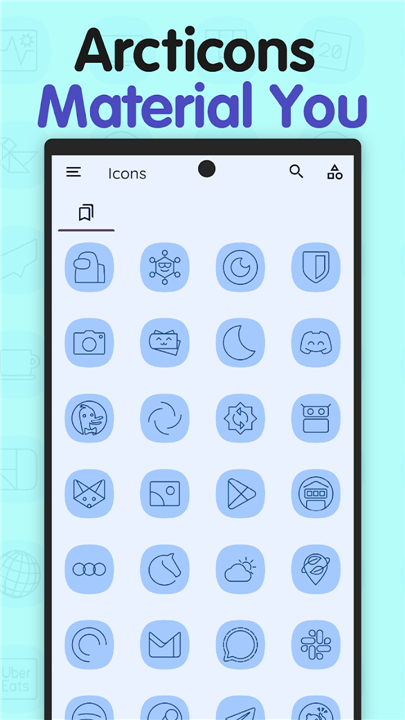
• Arcticons Material You is a premium, line-based icon pack designed to seamlessly blend with your device's aesthetic by adapting to your personal style.
Core Features
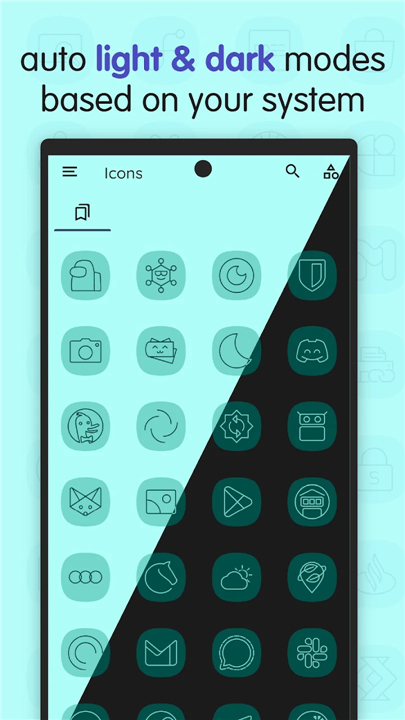
• Dynamic Color Adaptation: The outline colors and backgrounds automatically shift to match your current wallpaper and system theme.
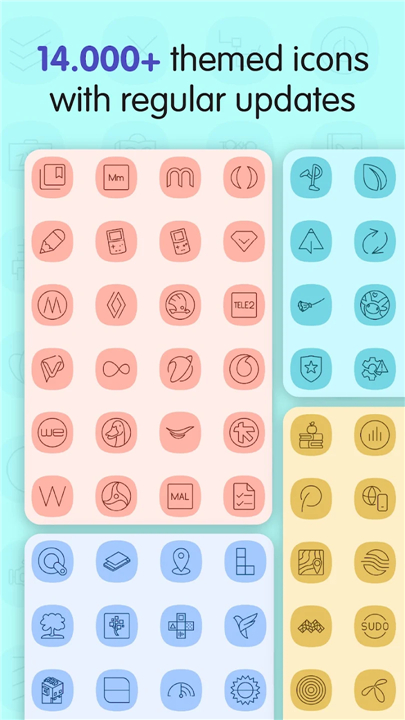
• Massive Library: Access over 10,000 elegant, minimalist, and consistent line-art icons.
• Cohesive Design: A modern variation of the classic Arcticons Dark and Light packs, maintaining a clean and uniform aesthetic across your entire app drawer.
Community and Customization
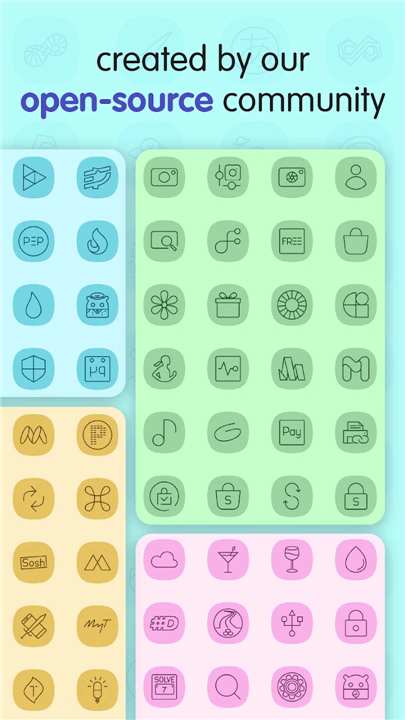
• Global Community: Icons are crafted and curated by a diverse community of creators from all around the world.
• Icon Requests: Easily submit requests for any missing apps directly through the built-in, in-app request tool.
• Open Contribution: Users have the unique opportunity to create and submit their own icon designs to be included in future updates.
System Requirements
• Operating System: You must have a mobile device running Android 12 or above to utilize the dynamic Material You color-matching capabilities.
Compatible Launchers
• To fully experience the dynamic color-changing scheme, you must use a compatible launcher. Supported launchers include:
+ Nova Launcher
+ Niagara Launcher
+ Hyperion Launcher
+ Lawnchair Launcher
+ Kvaesisto Launcher
FAQ
Q: How does the dynamic color adaptation work on my phone?
A: When you set a wallpaper or change your system theme, Android’s Material You engine extracts key colors. Arcticons Material You reads those values and instantly updates each icon’s outline and background, so the whole app drawer shifts in harmony with your wallpaper without any manual tweaking.
Q: I have over 10,000 apps installed—will all of them be covered?
A: The pack already includes more than 10,000 icons covering the most popular and common apps. If you encounter a missing app, you can request it directly through the built‑in request tool, and the community will work on adding it in a future update.
Q: Do I need a specific launcher to see the color‑changing effect?
A: Yes, the dynamic color feature requires a launcher that supports Material You integration. Nova Launcher, Niagara Launcher, Hyperion Launcher, Lawnchair, and Kvaesisto are all fully compatible and will display the live‑color changes as intended.
Version History
v15.0.5——18 Aug 2026
A monotone line-based icon pack for dark themed home screens. Download the latest version of Arcticons - Line Icon Pack to enjoy new features and updates immediately!
*15.0.5
• 152 new and updated icons!
• Added support for 615 apps using existing icons.
• 15057 icons in total!
• Various fixes for wrongly mapped or bugged icons.
• Fix the Clock icon not working on Moto Launcher.
• Consider donating to the project, if you like using Arcticons.
*14.9.1
• 204 new and updated icons!
• Added support for 1358 apps using existing icons.
• 14913 icons in total!
• Consider donating to the project, if you like using Arcticons.
*14.7.1
• 163 new and updated icons!
• Added support for 1011 apps using existing icons.
• 14714 icons in total!
• Consider donating to the project, if you like using Arcticons.