Lockscreen Widgets and Drawer
Rediscover the Power of Your Lock Screen
• Android once offered the freedom to use widgets directly on the lock screen—a feature beloved by many until it vanished with Android 5.0.
• While some manufacturers attempt to revive this with restricted, proprietary alternatives, you deserve true control.
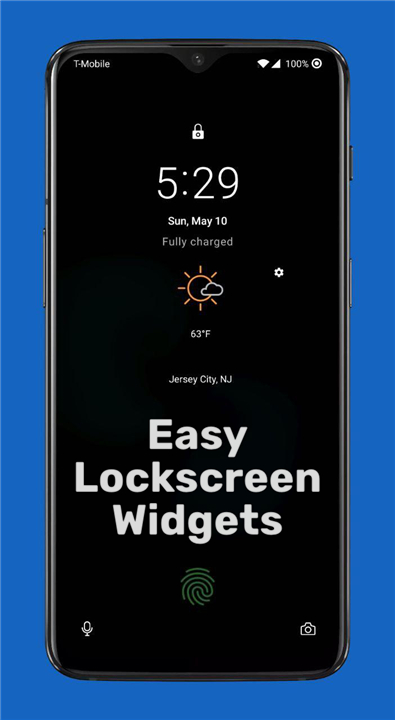
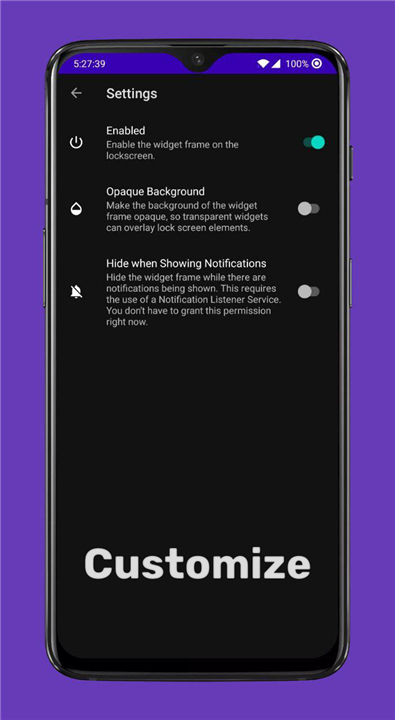
• Lockscreen Widgets restores this functionality, allowing you to turn your lock screen into a dynamic, personal dashboard.
Key Features & Customization
1. Infinite Flexibility:
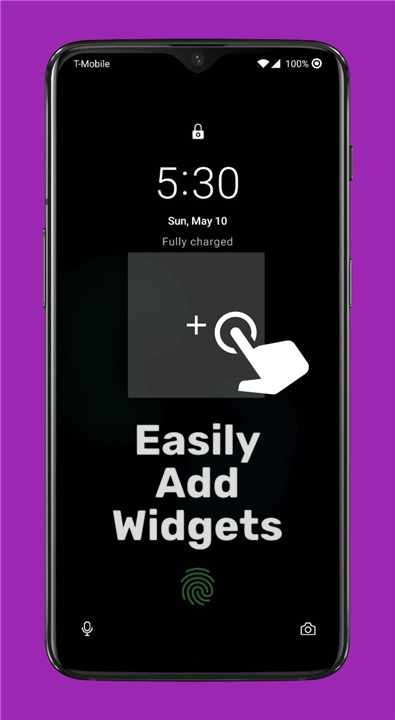
• Add any home screen widget to a paged "frame" on your lock screen.
2. Intuitive Control:
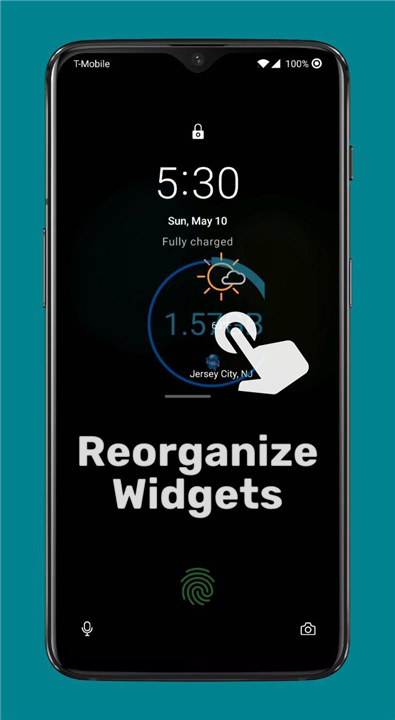
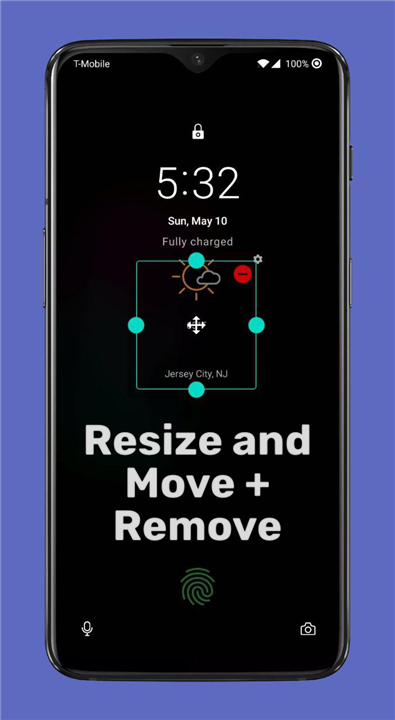
• Easily reorder, resize, or remove widgets with simple touch gestures.
3. Gesture Shortcuts:
• Use two fingers to edit the layout or three fingers to quickly toggle visibility.
4. Widget Drawer:
• Access your favorite tools from anywhere using a swipeable handle, Tasker integration, or custom shortcuts.
5. Universal Compatibility:
• Works on Android 5.1 and above without requiring root access or complex ADB setups (Android 13+ may require ADB/Shizuku for advanced modes).
How it Functions
This app integrates deeply with your system to provide a seamless experience while maintaining your security.
1. Accessibility Service:
• Required to display content directly over your secure lock screen.
2. Notification Listener:
• Optional functionality to hide widgets automatically when notifications arrive.
3. Keyguard Management:
• Safely dismisses the lock screen only when you intend to launch an app from a widget, ensuring your device remains secure.
Transparency and Support
• We prioritize your trust.
• Lockscreen Widgets is fully open-source, meaning you can audit our code to see exactly how we respect your privacy and security.
+ Source Code: GitHub
+ Help Translate: Crowdin
+ Support: For questions or feature requests, please email us or join our community group at https://bit.ly/ZachareeTG. Please be specific with your feedback so we can better assist you.
Note:
• This app is not designed to function on Always-On Display screens.
FAQ
Q: Is this app compatible with my device?
A: The app works on any device running Android 5.1 or newer. You do not need to root your phone to enjoy the features. However, please note that for users on Android 13 or higher, certain advanced modes may require the use of ADB or Shizuku to function correctly.
Q: Will the widgets show up on my Always-On Display (AOD)?
A: Unfortunately, the app is not designed to function on Always-On Display screens. It is specifically built to enhance your active lock screen experience, so you will see your widgets as soon as you wake your device.
Q: How do I add or remove widgets from my lock screen?
A: You can manage your layout using simple touch gestures. By using two fingers on the lock screen, you can enter edit mode, which allows you to resize, reorder, or remove your widgets to create your perfect dashboard.
Version History
v4.3.0-beta01——21 Jul 2026
Bring back the power of Android lock screen widgets! Customize your device with the Lockscreen Widgets and Drawer app. No root required. Download the latest version of Lockscreen Widgets and Drawer to enjoy new features and updates immediately!
*4.3.0-beta01
• Rename app to Widgets Anywhere.
• Update app icon.
• Give each widget frame its own saved position/page so they don't override each other.
• Work on improving nested scrolling in widget drawer.
• Improve discoverability of widget stacks and widget tiles features.
• Remove requirement for accessibility service in the initial setup.
• Add ability to view and copy Bugsnag user ID.
• Fix some crashes.
• Work on fixing reconfiguring widget stack widgets.
• UI tweaks.
• Lot of behind-the-scenes fixes and changes to code.
*4.2.4
Lockscreen Widgets:
• Fix some crashes
• Update dependencies
Wallpaper Companion:
• Fix a crash
*4.2.3
• Hopefully fully fix frame moving/resizing and widget moving/resizing.
• Fix a couple crashes.