Delta Icon Pack
Overview
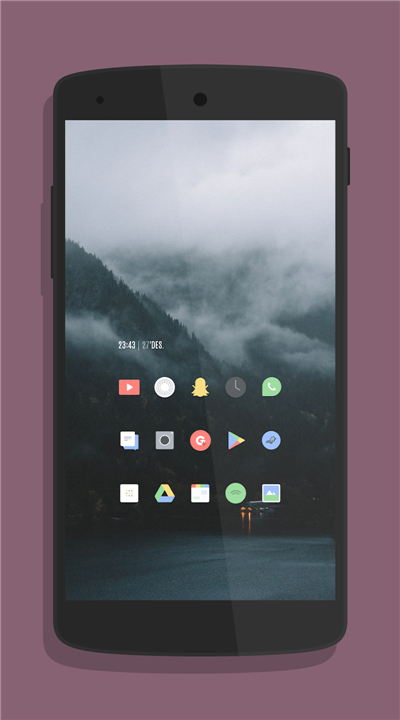
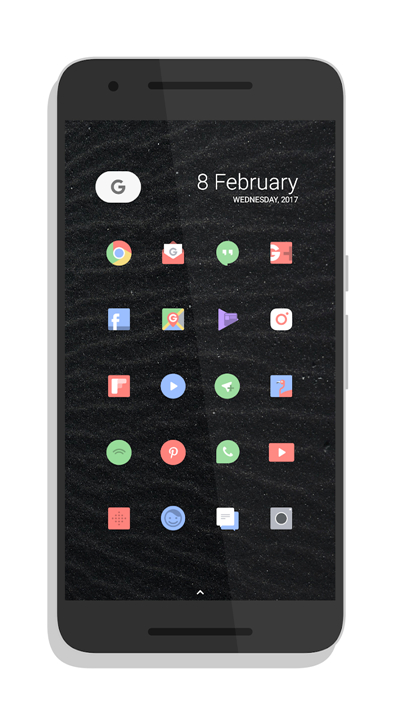
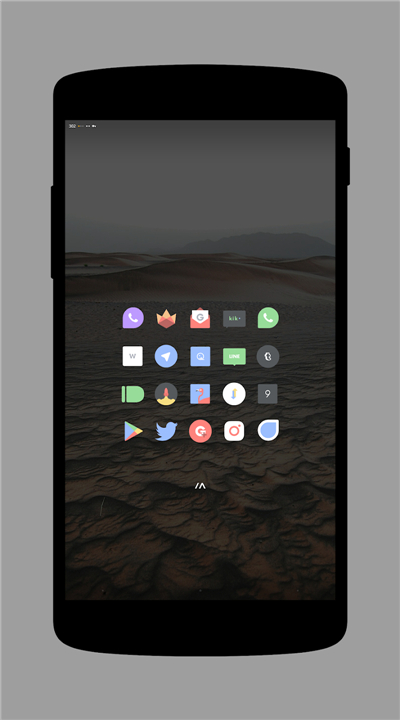
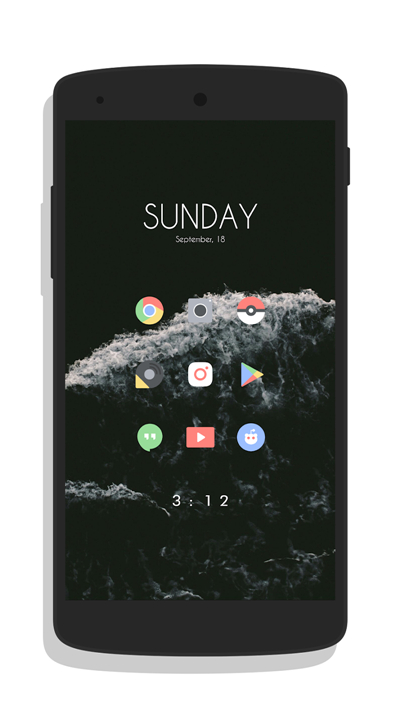
• Delta is a premium Android icon collection offering thousands of meticulously hand‑designed icons.
• It delivers a cohesive, modern aesthetic while preserving the familiar shape of stock Android icons, so users do not need to relearn their interface.
Launcher Compatibility
• Works seamlessly with more than 20 popular launchers, including Nova, Apex, ADW, Microsoft Launcher and many others.
• Integration is facilitated by the CandyBar Dashboard, which provides a unified panel for theme selection, icon previews and batch‑apply functions.
Accolades & Media Features
• Highlighted in Google’s official #MyAndroid showcase.
• Ranked among XDA’s Top 5 Icon Packs of March 2017.
• Included in Sam Beckman’s “Top Android Apps – February 2017.”
• Featured in Zachary Anderson’s “What’s on my Android: Early 2017.”
Critical Praise
• DroidLife: “You won’t have to re‑learn your icons should you apply Delta, but they’ll still give you a fresh look with an updated styling.”
• phoneArena: “If you care about minimalism the way we do, you’d likely go ahead and download Delta as soon as possible.”
Visual Assets & Credits
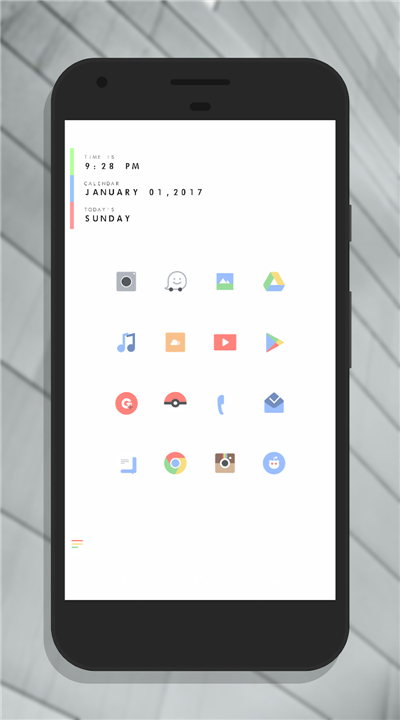
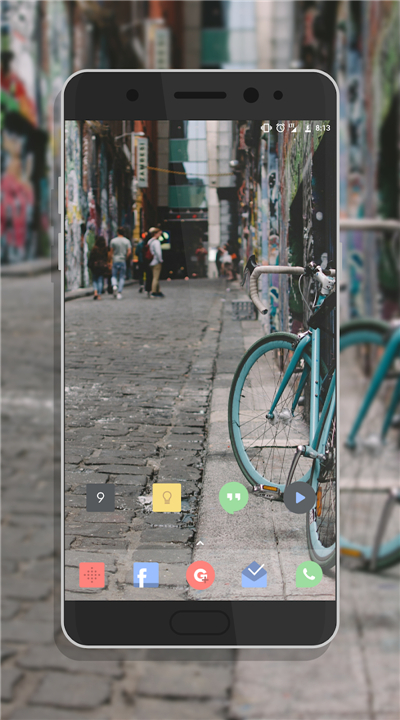
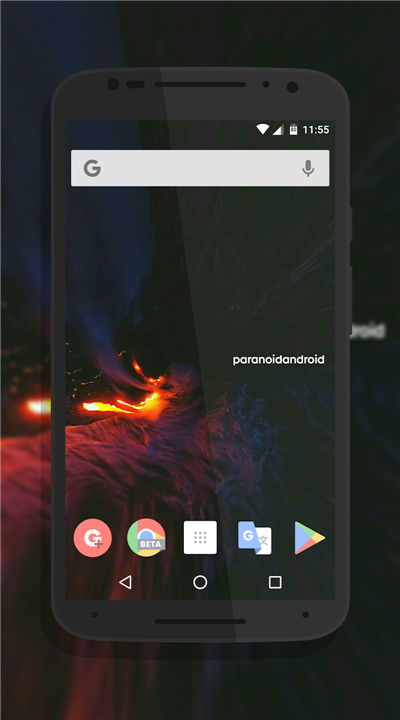
• All screenshot material was submitted by community members who granted explicit permission for use.
• The widget displayed in the second screenshot originates from the huk KWGT widget pack and is not part of the icon set itself.
User Experience Highlights
• Consistent visual language across system UI, app drawers and widgets.
• High‑resolution assets scaled for both phone and tablet displays.
• Lightweight implementation that does not noticeably affect battery life or performance.
Getting Started
1. Install the Delta Icon Pack from the Google Play Store.
2. Open the CandyBar Dashboard to select your preferred launcher.
3. Apply the theme with a single tap, and customize individual icons if desired.
Delta combines artistic craftsmanship with extensive compatibility, making it a top‑choice for users seeking a fresh yet familiar Android look.
FAQ
Q: How many icons does Delta actually include?
A: The pack contains several thousand icons, covering most popular apps, system UI elements, and even a few niche utilities. Because the assets are high‑resolution, they look crisp on both phones and tablets.
Q: Do I need to change the way I navigate Android after installing Delta?
A: No. Delta preserves the classic Android silhouette, meaning the icons you already know stay recognizable. You’ll notice a visual upgrade but won’t have to adjust to new shapes or layouts.
Q: Which launchers are compatible with Delta?
A: Delta works with more than twenty launchers. The most widely used are Nova Launcher, Apex Launcher, ADW Launcher, and Microsoft Launcher, but many other community‑tested launchers are supported as well.
Version History
v2.18.0——18 Aug 2026
Transform your phone with Delta Icon Pack! Enjoy thousands of minimalist, hand-crafted Android icons compatible with 20+ top launchers. Download the latest version of Delta Icon Pack to enjoy new features and updates immediately!
*2.18.0
76 new icons, 14142 in total
Fixed icons not applying properly
*2.17.0
101 new icons, 14066 in total
Fixed icons not applying properly
*2.16.0
108 new icons, 13967 in total
Fixed icons not applying properly