Pachli for Mastodon
Overview
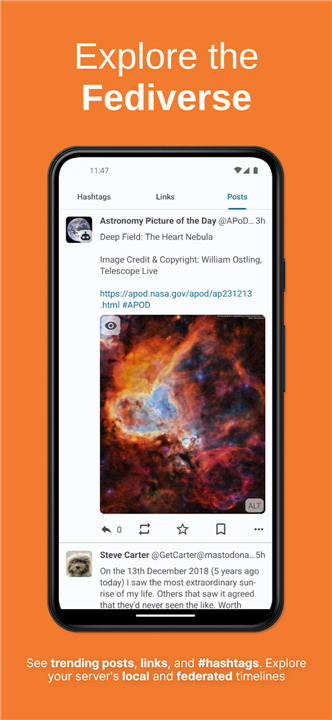
• Pachli is a comprehensive, feature-rich client application designed for Mastodon and compatible decentralized social media platforms.
• It offers an intuitive, smooth, and accessible user experience tailored to enhance daily social interactions.
Seamless Timeline & Reading Experience
• Remembers your precise reading position when you leave or return to the app, allowing you to pick up exactly where you left off.
• Dynamically loads posts on demand as you scroll, removing the friction of tapping manual refresh or "Load more" buttons.
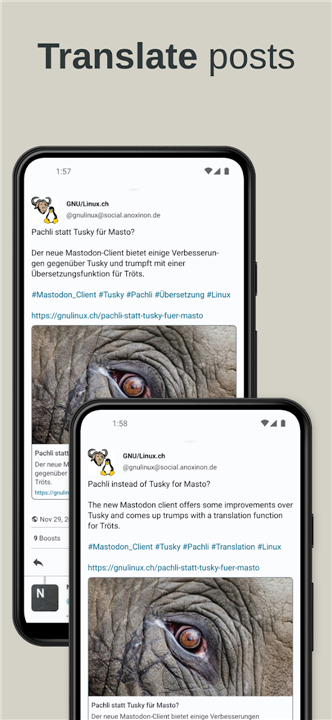
• Offers built-in translation tools so you can effortlessly read posts written in foreign languages.
Robust Content Creation & Management
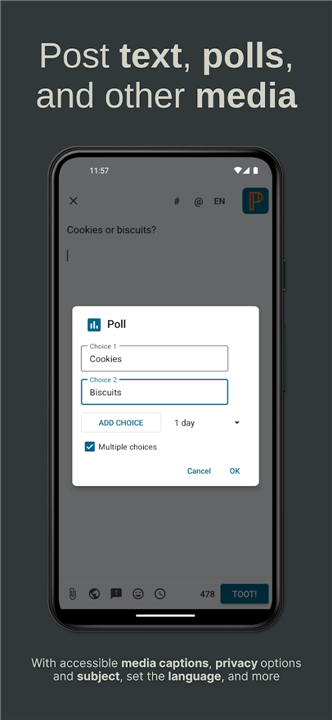
• Provides full social interaction capabilities, enabling you to read, reply to, filter, post, favorite, and boost content.
• Allows you to create and save post drafts whenever inspiration strikes, so you can refine and publish them later.
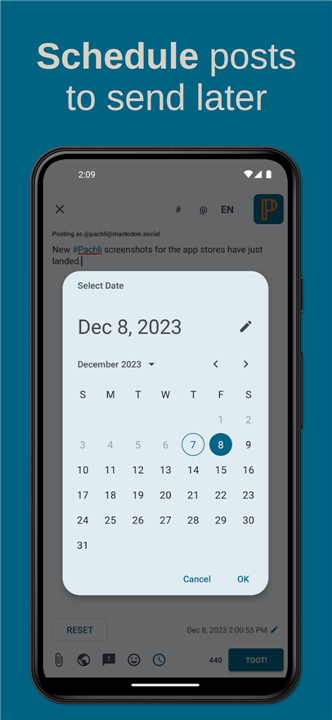
• Includes post-scheduling features to write content now and automatically dispatch it at a chosen date and time.
Account Flexibility & Personalization
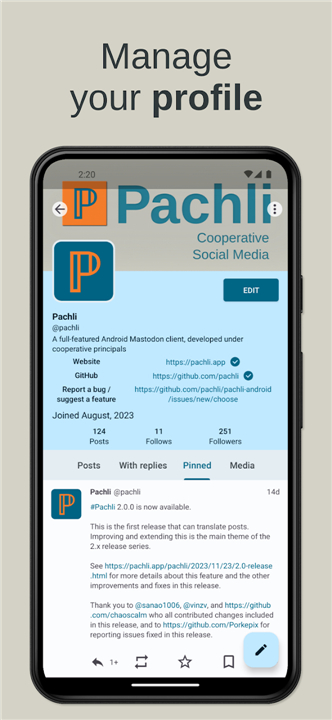
• Supports multi-account integration, making it simple to read, monitor, and publish content across several profiles from a single app.
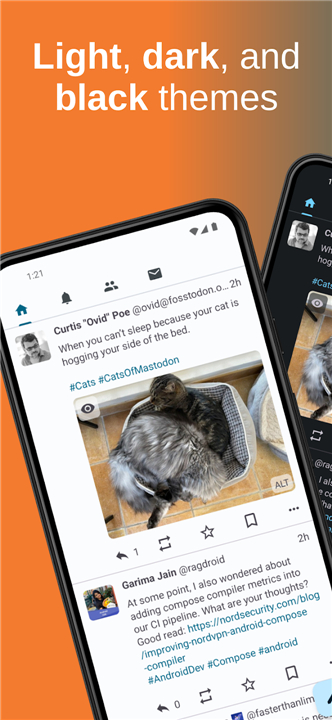
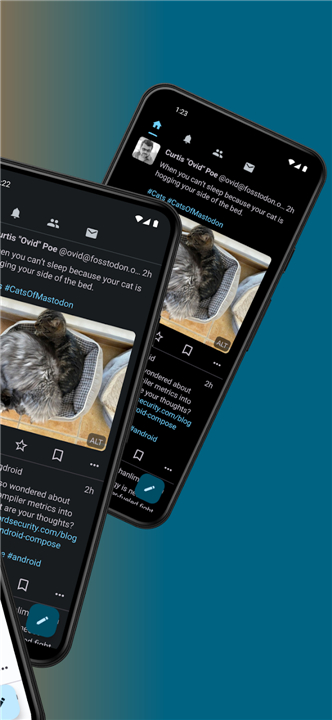
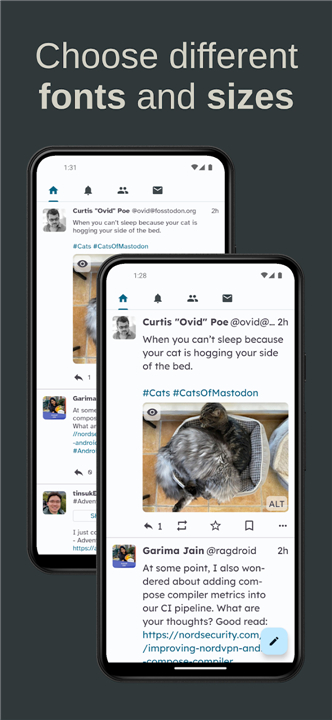
• Features multiple customizable visual themes to adapt the interface appearance to your preferred aesthetics and lighting conditions.
Accessibility & Open Source Commitment
• Dedicated to universal design, ensuring every feature is fully functional and accessible to individuals with diverse accessibility needs.
• Fully open source and driven by community transparency, with source code available at https://github.com/pachli.
FAQ
Q: Can I translate posts written in other languages within Pachli?
A: Pachli includes built‑in translation tools that let you instantly translate foreign‑language posts into your preferred language with a single tap.
Q: What content creation features does Pachli offer?
A: You can read, reply to, filter, favorite, boost, and create new posts; the app also lets you save drafts for later editing and schedule posts to be published at a specific date and time.
Q: How do drafts and post‑scheduling work in Pachli?
A: When inspiration strikes, you can start a post and save it as a draft; later you can open the draft, make changes, and either publish immediately or set a future time for automatic delivery.
Version History
v3.8.1——26 Aug 2026
A full-featured Android client for Mastodon and similar servers. Download the latest version of Pachli for Mastodon to enjoy new features and updates immediately!
*3.8.1
Minor bug fixes and improvements. Install or update to the newest version to check it out!
*3.8.0
Minor bug fixes and improvements. Install or update to the newest version to check it out!
*3.7.2
Minor bug fixes and improvements. Install or update to the newest version to check it out!