Volume Notification
Overview and Core Features
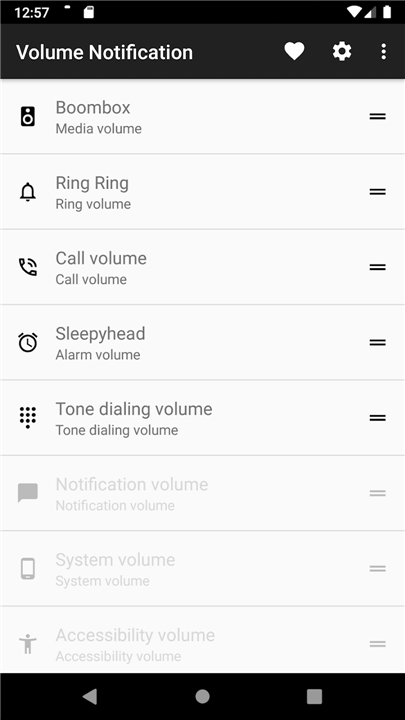
• The Volume Notification application is a utility designed to provide immediate, software-based access to audio controls.
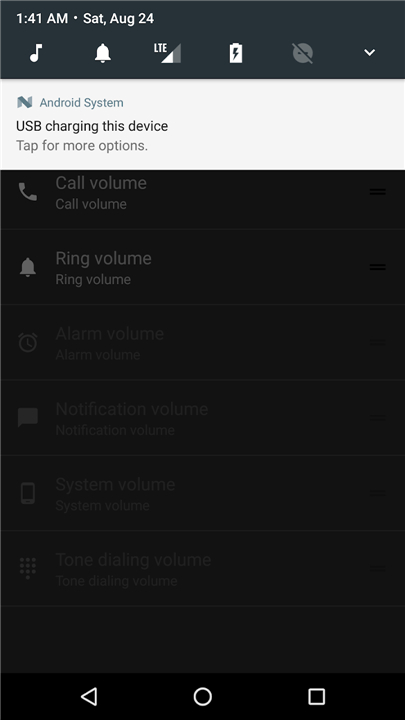
• By placing volume adjustment buttons directly into a customizable notification and the Android Quick Settings menu, it eliminates the need to rely solely on physical hardware buttons.
• This ensures that users can manage their device sound levels without leaving their current application.
Quick Settings Integration
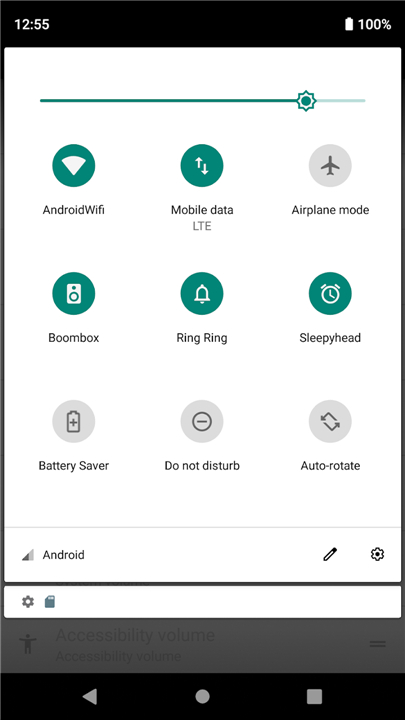
• To enhance accessibility, the app integrates seamlessly with the Android system tray.
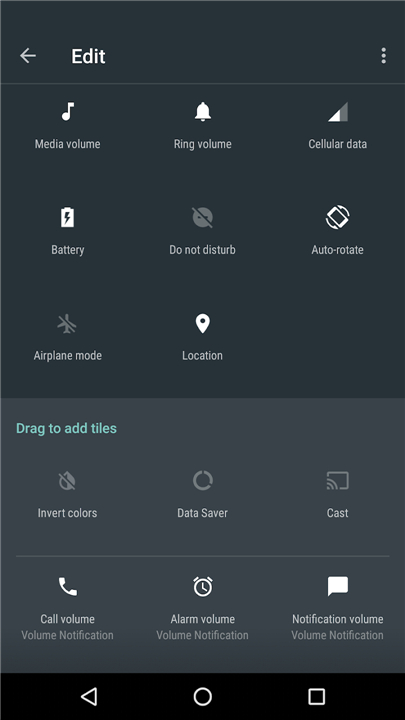
• To enable these controls, follow these steps:
+ Swipe down from the top of the screen to open the notification drawer.
+ Select the edit or pencil icon to modify the tile layout.
+ Locate the new Volume Tile options and drag them into the active settings area.
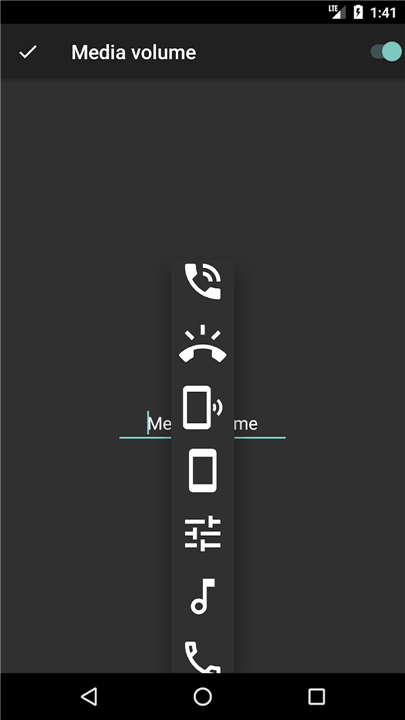
+ Once active, these buttons can be configured within the main app to target specific audio streams.
Practical Use Cases
This utility is ideal for several specific scenarios:
• Managing media volume levels during active voice calls without interrupting the conversation.
• Prolonging the life of physical hardware buttons or providing a solution for devices with broken volume rockers.
• Allowing for a complete touch-screen experience on modern devices.
• Rapidly muting or adjusting background audio in public settings or professional environments.
Technical Specifications and Privacy
• The application is open source, ensuring transparency and security for all users.
• No special system permissions are required for operation, protecting user privacy.
• Please note that if a device combines notification and ringer volumes into a single system slider, the app cannot control them independently.
• Legacy support for Android 4.x is available via the v0.9.5 release on the official GitHub repository.
• Feedback and feature requests are encouraged through the official project page.
FAQ
Q: Can I control different audio streams individually using this app?
A: Yes, you can configure the buttons within the main application to target specific audio streams according to your needs. However, keep in mind that if your specific device's operating system natively combines notification and ringer volumes into a single system slider, the app cannot separate them and will control them together as dictated by your device settings.
Q: Why would I use a software volume control instead of my phone's physical volume buttons?
A: Using a software-based volume control is a great way to prolong the life of your physical volume rocker by reducing everyday wear and tear. It is also a lifesaver if your hardware buttons are already broken or unresponsive. Additionally, it enables a seamless, touch-only experience so you can adjust your sound without changing your grip on the device.
Q: Is it possible to adjust my media volume during a phone call without interrupting the conversation?
A: Absolutely! One of the best practical uses of this application is managing background media volume while you are on an active voice call. Because the controls sit right in your notification shade, you can tweak media levels instantly without navigating away from your call screen or disrupting your conversation.
Version History
v1.4.1.1——17 Aug 2026
Adjust all sound volumes from a sticky notification or your quick settings menu Download the latest version of Volume Notification to enjoy new features and updates immediately!
*1.4.1.1
Minor bug fixes and improvements. Install or update to the newest version to check it out!
*1.4.1
Minor bug fixes and improvements. Install or update to the newest version to check it out!
*1.4
Minor bug fixes and improvements. Install or update to the newest version to check it out!