Nori
Overview
• Nori is an elegant and minimalist bookmark manager and digital launcher designed to streamline your web navigation.
• It combines aesthetic simplicity with powerful functionality to help you organize, locate, and access your favorite online resources.
Efficient Organization
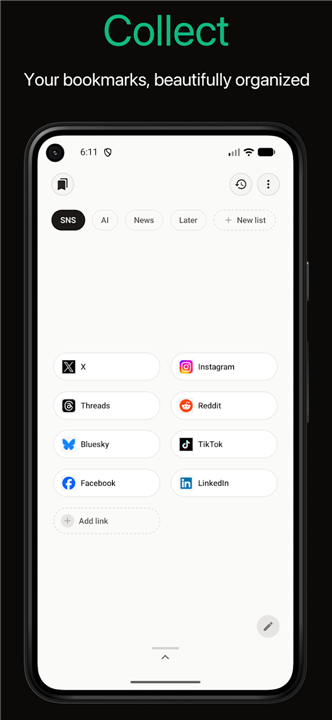
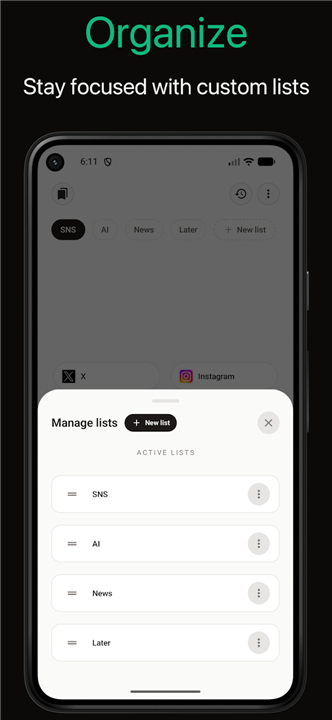
• Group your saved links into custom lists based on specific projects, topics, or daily routines.
• Keep your digital workspace clutter-free with a clean, visual interface that prioritizes readability.
• Categorize and manage large volumes of bookmarks without navigating complex folder trees.
Intuitive Gesture Control
• Navigate your curated lists effortlessly using fluid, responsive touch and trackpad gestures.
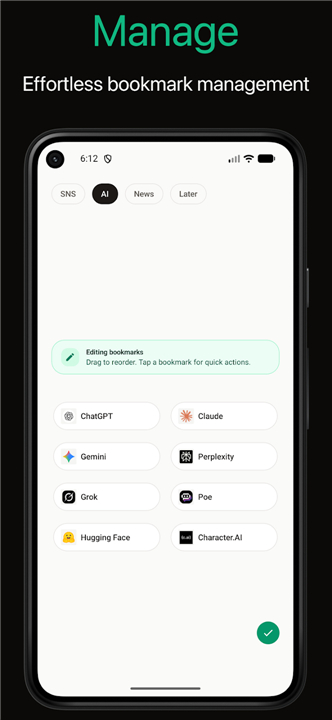
• Launch web pages, edit details, or delete bookmarks with simple swipe actions.
• Reduce the time spent clicking through menus, allowing for a faster and more natural workflow.
Smart Retrieval Systems
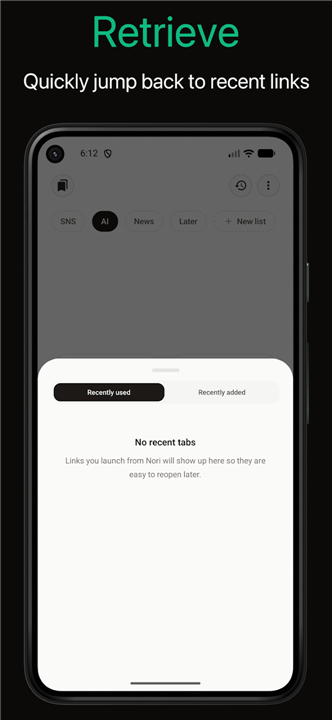
• Access a dynamically updated list of your recently used links, perfect for returning to ongoing projects.
• Locate newly saved resources instantly through a chronological feed of your recently added bookmarks.
• Save time by eliminating the need to manually search for URLs you interacted with earlier in the day.
Seamless Launcher Functionality
• Utilize the dual-purpose design to search, find, and launch web pages directly from a single, centralized interface.
• Enjoy lightweight performance that ensures fast startup times and responsive navigation without lagging.
FAQ
Q: Is Nori just another bookmark manager, or does it offer something unique for intermediate users?
A: Nori goes beyond standard browser bookkeeping by doubling as a digital launcher. While traditional managers just store links, Nori integrates fluid gesture controls, real-time search-and-launch capabilities, and smart retrieval feeds, making it a highly efficient hub for your daily digital activities.
Q: How does Nori help me organize my links without getting bogged down in complex folder systems?
A: Instead of forcing you to navigate through endless, confusing folder trees, Nori lets you group your saved links into customizable lists. This approach keeps your workspace clean and visually intuitive, allowing you to manage a high volume of bookmarks without losing track of where things are.
Q: Can I customize my lists in Nori to match my specific daily routines or work projects?
A: Yes, you absolutely can. Nori is designed for flexibility, allowing you to create custom lists tailored to your active projects, daily routines, or specific interests. This means you can keep your work-related resources completely separate from your leisure links with ease.
Version History
v0.1.12——20 Aug 2026
A beautiful bookmark manger and launcher Download the latest version of Nori to enjoy new features and updates immediately!
*0.1.12
- Support undo for destructive actions
- Import bookmark subfolders as tags
- Add JSON backup and restore
- Improve sync reliability
*0.1.11
Support multi select in edit bookmarks mode
Resolve webpage titles for shared links
*0.1.10
Fix newly added list not rendered issue