Shiori
Overview
• Shiori is a modern bookmark‑management application that re‑imagines the way you preserve, organise, and retrieve your favourite web pages.
• Built on the robust, open‑source Shiori platform, the app combines speed, reliability and cross‑device accessibility while keeping the user experience simple and intuitive.
Core Capabilities
1. Instant Page Capture
• One‑tap saving of any URL or full‑page snapshot.
• Offline access to saved content, allowing reading without an internet connection.
2. Advanced Organisation
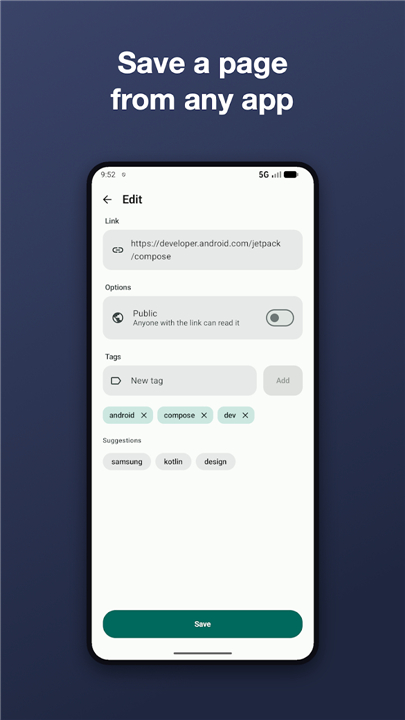
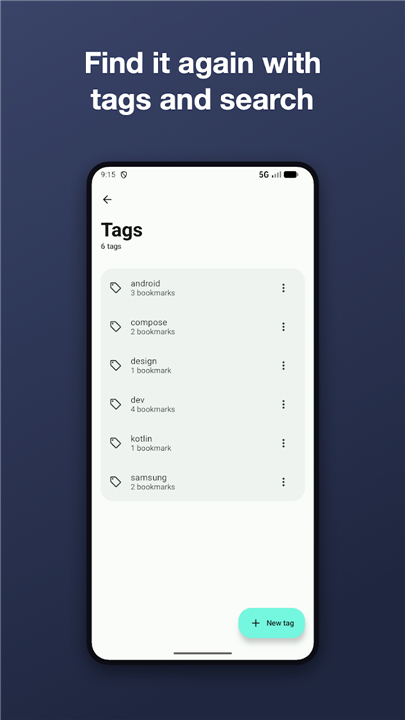
• Assign multiple custom labels and categories to each bookmark.
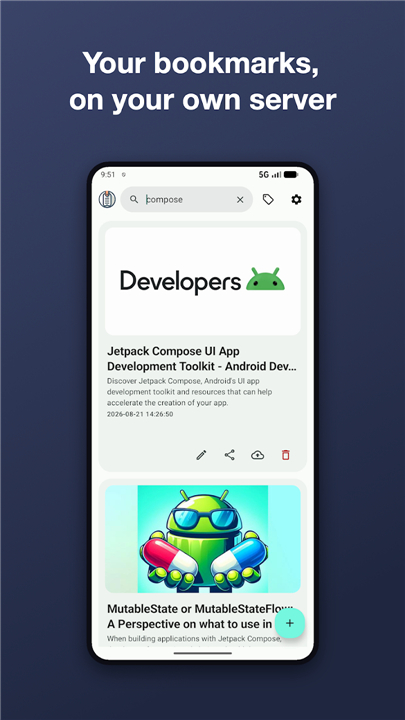
• Add personal descriptions and automatically generated thumbnails for visual identification.
• Powerful search and filter functions to locate items in seconds.
3. Cloud Synchronisation
• Real‑time sync of the entire bookmark library across smartphones, tablets and desktop browsers.
• End‑to‑end encryption ensures that your data remains private and secure.
• Automatic conflict resolution when edits are made on different devices.
4. User‑Centred Interface
• Clean, minimalistic design that highlights content rather than clutter.
• Swipe gestures and long‑press actions for quick editing, favouriting or deleting.
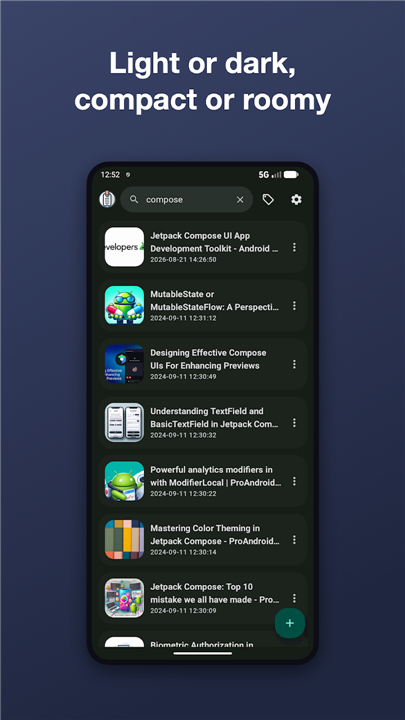
• Dark‑mode support and adaptable layouts for both phones and tablets.
5. Community Sharing & Discovery
• Generate shareable links or QR codes to distribute bookmarks with friends or colleagues.
• Explore public collections curated by the Shiori community, fostering knowledge exchange.
6. Open‑Source Transparency
• Full source code available at https://github.com/DesarrolloAntonio/Shiori-Android-Client.
• Community contributions welcome; submit issues, pull requests, or custom enhancements.
Getting Started
1. Download the app from the Google Play Store.
2. Sign in with a preferred account to enable cloud sync.
3. Begin saving pages using the “Add Bookmark” button, then organise with labels and thumbnails.
Enhance Your Bookmarking Experience
• Shiori transforms ordinary bookmarking into a powerful, collaborative workflow, giving you control over every link you value.
FAQ
Q: Do I need an account to use Shiori, and which sign‑in options are available?
A: An account is required only if you want to use cloud synchronization; you can still save and view bookmarks locally without signing in. Shiori supports sign‑in with Google, email/password, and any OAuth provider that the self‑hosted server may offer.
Q: How does instant page capture work?
A: Tap the “Add Bookmark” button, paste or share a URL, and Shiori will save the link immediately. You can also enable the option to capture a full‑page snapshot, which stores a readable copy of the page for offline viewing.
Q: Can I read my saved pages when I’m offline?
A: Yes. When you save a page with the full‑page snapshot feature, Shiori stores the content locally, allowing you to open and read it even without an internet connection. Plain URL bookmarks will open the live page when you’re online.
Version History
v1.52.00——26 Aug 2026
Shiori: fast, secure bookmark manager with offline access, cloud sync, labels & dark mode. Organize & share your links. Download the latest version of Shiori to enjoy new features and updates immediately!
*1.52.00
Minor bug fixes and improvements. Install or update to the newest version to check it out!
*1.51.01
Minor bug fixes and improvements. Install or update to the newest version to check it out!
*1.51.00
Minor bug fixes and improvements. Install or update to the newest version to check it out!