Simple QR
Fast, Private, and Ad‑Free
• A lightweight QR‑code and barcode tool built for speed and privacy.
• It runs entirely on your device, stores nothing in the cloud, shows no ads, and never harvests your data.
• All functions work offline unless you deliberately open a link or launch a web search.
Supported Languages
• English
• French
• German
• Italian
• Brazilian Portuguese
• Russian
• Chinese (HK)
• Simplified Chinese
Scan
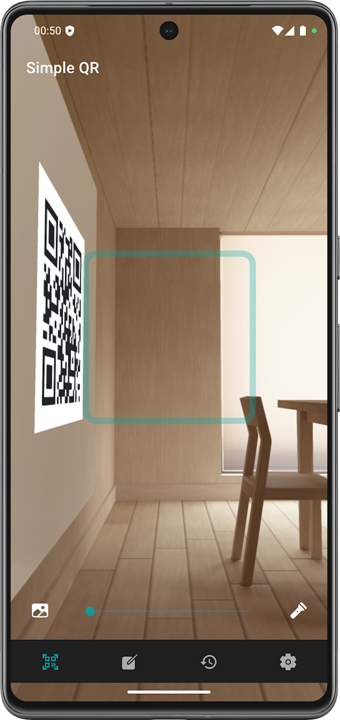
• Read QR codes and common bar‑codes (UPC/EAN, Code 39/93/128, ITF, Codabar, Aztec, Data Matrix, PDF417, etc.) in an instant.
• Use the camera or import an image to decode a code.
• Launch scanning from the Quick Settings tile for one‑tap access.
Create
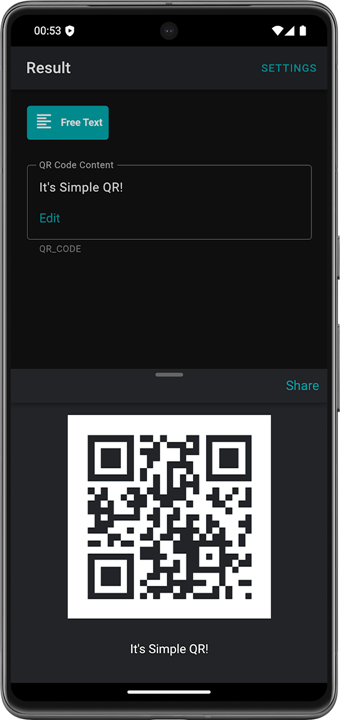
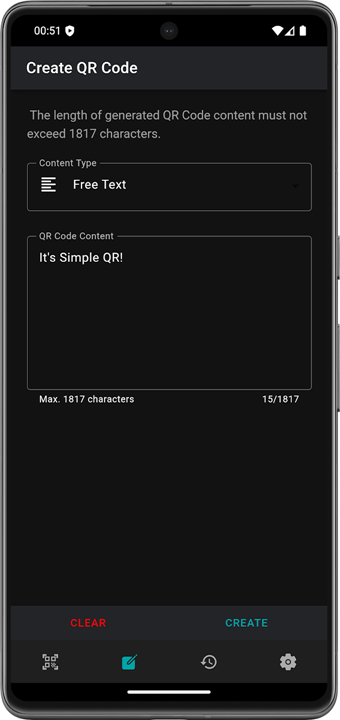
• Generate QR codes from ready‑made templates.
• Turn any piece of text, URL, or shared Android content into a shareable QR image.
Organize
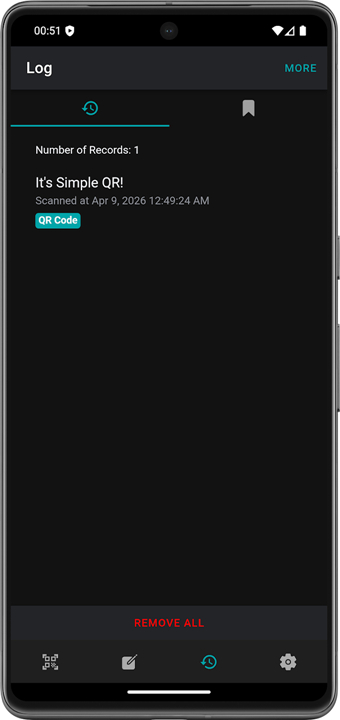
• Automatic history of every scan, creation, and view.
• Bookmark favorites for instant retrieval.
• Export and import your records to back up or restore data.
Actions & Utilities
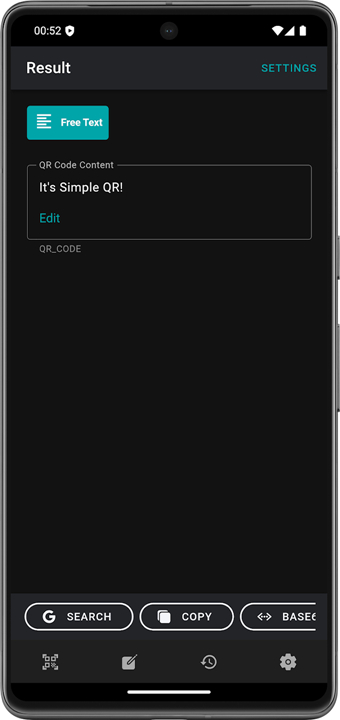
• One‑tap actions based on content type: open URLs, launch apps, dial numbers, send SMS/e‑mail, show locations in maps, etc.
• Quick tools: copy to clipboard, web search, Base64 encode/decode.
Personalize
• Tailor generated QR codes (error‑correction level, colors, margins).
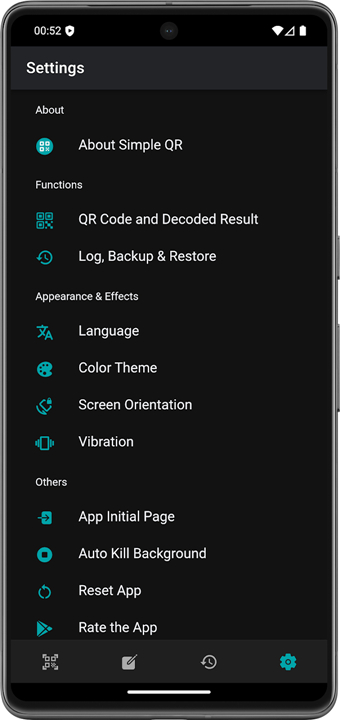
• Adjust the app’s start page, language, and theme to suit your style.
Explore the code and learn more: https://github.com/tomfong/simple-qr
FAQ
Q: Is Simple QR really private, or does it send any information somewhere in the background?
A: Privacy is built into the core of Simple QR. The app processes every image, scan, and generation locally on your phone. No telemetry, analytics, or usage logs are transmitted to external servers. The only time the app reaches the internet is when you explicitly choose to open a link, perform a web search, or share a generated QR code through a cloud‑based service.
Q: Can I use Simple QR without an internet connection?
A: Absolutely. Scanning a code, creating a new QR image, copying content to the clipboard, encoding or decoding Base64, and browsing your history are all fully offline capabilities. The only features that require connectivity are optional actions such as opening a URL in a browser or launching a map location.
Q: Which devices and Android versions are supported?
A: Simple QR runs on Android phones and tablets that support the Android 6.0 (Marshmallow) API level or newer. The app has been optimized for both modern and older hardware, so you should experience fast performance even on devices with modest processors and limited memory.
Version History
v5.1.1——27 Aug 2026
All-in-one QR & barcode app - scan, create & organize Download the latest version of Simple QR to enjoy new features and updates immediately!
*5.1.1
* Remove unnecessary network permissions
*5.1.0
* Support opening Simple QR from other apps via Share
* Fix QR detection while scanning (improves detection area/accuracy)
* Improve app startup time
* UI adjustment
*5.0.1
Remove the Internet permission as it was added by mistake in v5.0.0 after changing to use the ML-Kit Scanner. Thanks @mpas97 for reporting the issue.
CORRECTLY remove the Storage permission.
Adjust the scanning area.