APK Explorer
Overview
• Unleash the full potential of your Android ecosystem with APK Explorer.
• This powerful, open-source suite of tools empowers you to dive beneath the surface of your applications, revealing the brilliant engineering behind the software you use every day.
Seamless Exploration
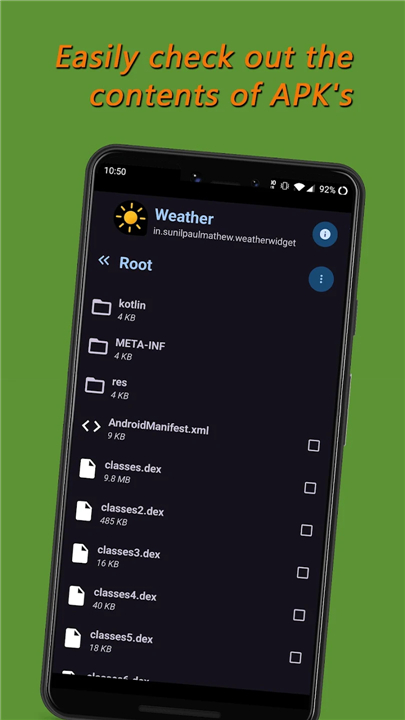
• Navigate the inner workings of any installed application or stored APK.
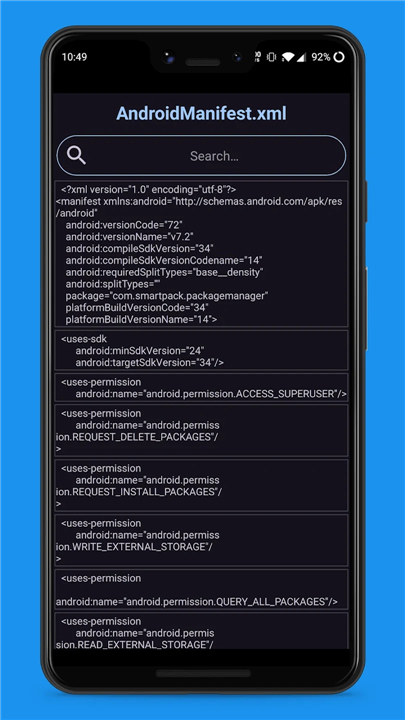
• Decompile and inspect DEX files and application resources effortlessly.
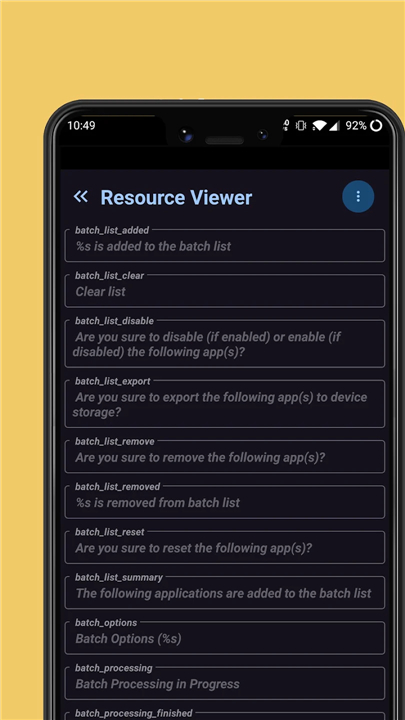
• View code, graphics, text, and binary XML files instantly.
• Access vital technical information about core application resources.
Effortless Management
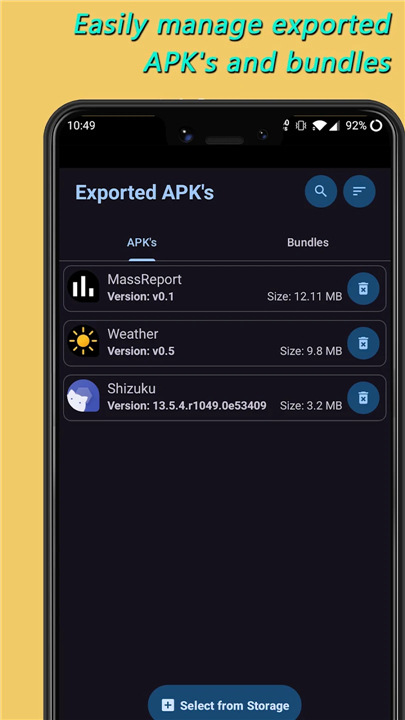
• Export, share, and organize APKs and Split APKs.
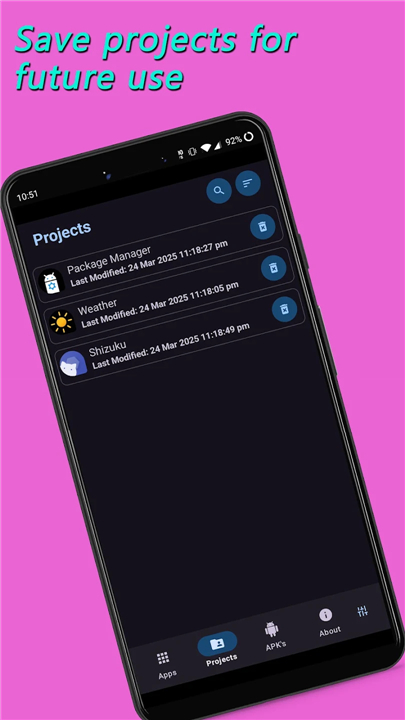
• Save individual files or entire resource packages directly to your device.
• Extract high-quality application icons with a single click.
Elegant Interface
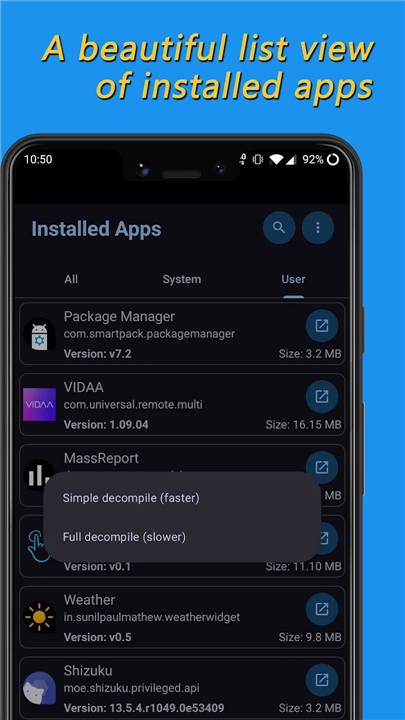
• Navigate your applications through a beautifully styled, intuitive list view.
• Experience a responsive design with automatic dark and light theme transitions.
Community and Collaboration
• Build the app yourself or contribute directly to our shared open-source vision on GitHub: https://github.com/apk-editor/APK-Explorer-Editor
• Report issues and help us polish the experience: https://github.com/apk-editor/APK-Explorer-Editor/issues/new
Translate and Inspire
• Help us break down language barriers and bring this tool to users worldwide.
• Join our global translation community:
+ Translate now: https://poeditor.com/join/project?hash=QztabxONOp
+ Reference English strings: https://github.com/apk-editor/APK-Explorer-Editor/blob/master/app/src/main/res/values/strings.xml
FAQ
Q: Is APK Explorer free and open-source?
A: Yes, APK Explorer is a completely free and open-source application. Because the entire source code is publicly accessible on GitHub, the community can inspect and verify its safety, ensuring transparency and security.
Q: Can I use this app to explore both installed applications and standalone APK files?
A: Absolutely, you can seamlessly navigate through any application currently installed on your Android device as well as any standalone APK files saved in your local storage.
Q: What technical components of an app can I decompile and inspect?
A: You can effortlessly decompile and inspect DEX files, which contain the compiled application code, alongside various application resources. This gives you a clear window into how the application is built and how it functions.
Version History
v0.35——18 Aug 2026
Explore, manage, and decompile Android apps with APK Explorer. View DEX files, extract resources, and export APKs with this open-source tool. Download the latest version of APK Explorer to enjoy new features and updates immediately!
*0.35
Completely rewrote the app signing logic for enhanced security.
Updated layout buttons to improve consistency and provide a better user experience.
Applied a slight horizontal padding to the Settings & About layouts for better visual spacing.
Updated build tools and dependencies.
Miscellaneous changes.
*0.34
Optimized main UI view sizes and introduced smoother loading animations for a more fluid experience.
Optimized and updated the workflow—batch processing, now conveniently initiated by clicking individual item icons.
AEE now targeting the latest Android SDK to ensure maximum compatibility, performance, and security on newer devices.
Resolved a bug where the app theme status would occasionally fail to update in specific scenarios.
Integrated the latest community translations from POEditor and performed general translation cleanup.
*0.32
Resource Viewer: New option to export supported resources to storage.
Main: AEE now exports APKs and other resources to sdcard > Download > AEE.
Installer: Improved Split APK Installer — AEE now suggests the required split APKs automatically.
Quick Edits: Added support for split APKs and improved file compression when adding content.
App Icons: Added support for replacing app icons for many apps.
APK Explorer: Enhanced main view with new pages (e.g., App Info and Strings).
Text Editor: Fixed crashes in specific scenarios.
UI & Performance: Updated RecyclerView handling, improved progress dialogs, added new downloads icon, and general refinements.
Miscellaneous: Updated import translations and proguard rules for the apksig library.