Network Survey
The Ultimate Wireless Discovery Tool
• Unlock the full potential of your mobile device with Network Survey, a comprehensive solution designed to map and analyze the invisible signals around you.
• Whether you are a professional or a curious enthusiast, this app empowers you to transform complex data into actionable insights through a seamless, user-friendly interface.
Comprehensive Network Monitoring
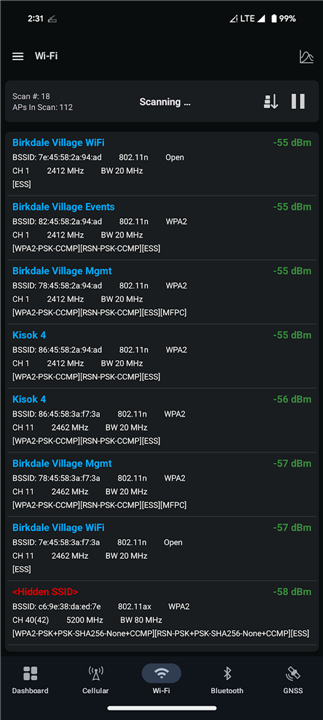
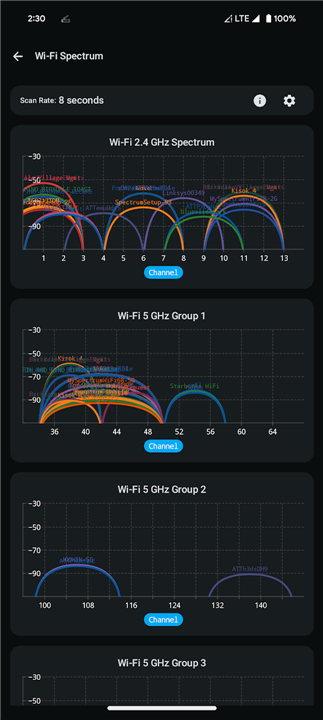
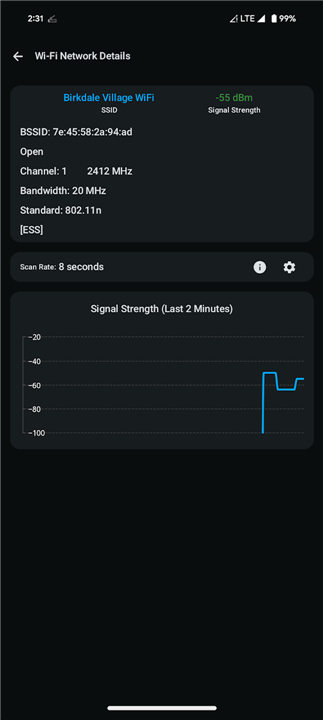
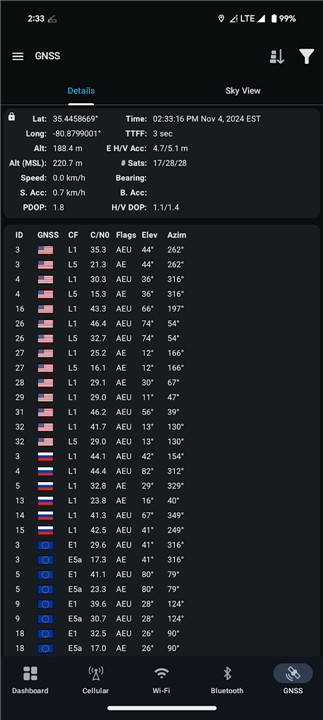
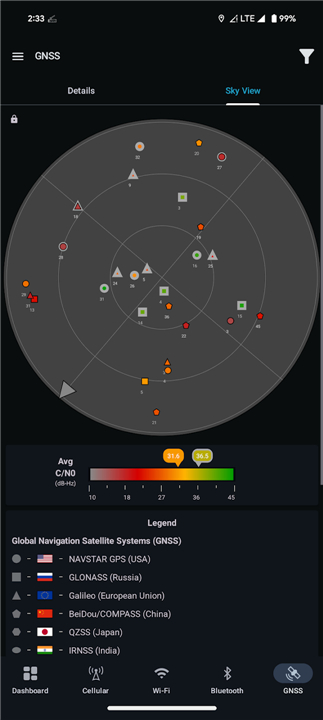
• Capture high-definition records for Cellular, Wi-Fi, Bluetooth, and GNSS constellations.
• Monitor signal strength and device metadata with industry-leading precision.
• Access background location features to ensure the app is ready to work the moment your device starts up.
Flexible Data Connectivity
• Export your findings to GeoPackage or CSV files for professional offline analysis.
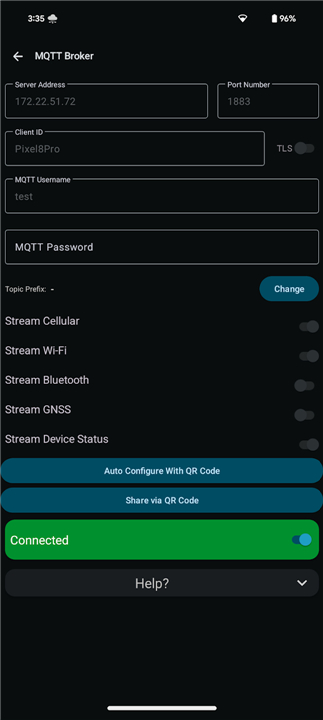
• Stream live telemetry via MQTT or gRPC protocols for real-time integration with external monitoring systems.
• Leverage open-source resources to set up your own custom servers and data pipelines.
Advanced Analytical Tools
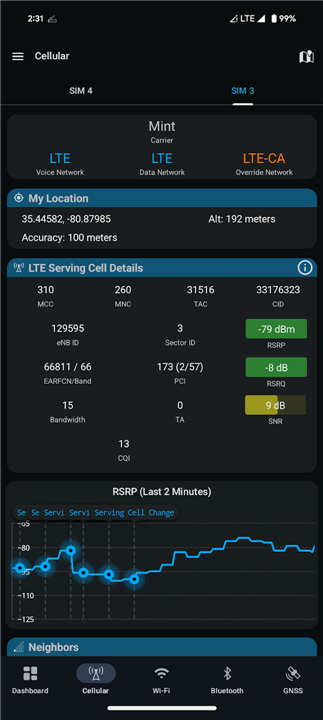
• Dive deep into cellular metrics for current and neighboring cells across all active protocols.
• Use built-in calculators to instantly decode LTE Cell IDs and PCI sequences into eNodeB and synchronization data.
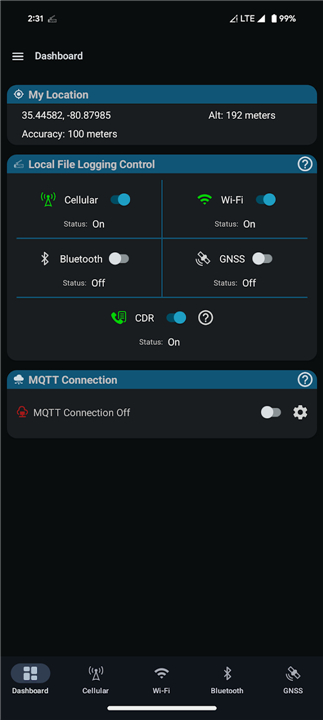
• Enable Call Detail Record (CDR) logging to maintain a precise history of communication events.
Community-Driven Innovation
• Benefit from a transparent, open-source project built with a passion for networking.
• Shape the future of the platform by contributing code or requesting new features via GitHub.
• Access the full privacy policy online to see how your data remains protected.
FAQ
Q: What types of wireless signals can I monitor using this application?
A: The app provides comprehensive monitoring capabilities for a wide range of protocols including Cellular networks, Wi-Fi signals, Bluetooth devices, and GNSS constellations. This broad coverage ensures that you have a complete picture of the radio frequency environment surrounding your device at any given time.
Q: I need to analyze my data in other software; what file formats are supported for exporting my findings?
A: You can easily export your captured data into professional-grade formats such as GeoPackage or CSV files. These formats are widely compatible with geographic information systems and spreadsheet software, making it simple to perform detailed offline analysis or create visual maps of your signal surveys.
Q: Is there a way to stream my data to an external server in real-time as I collect it?
A: Yes, Network Survey supports real-time telemetry streaming via industry-standard MQTT or gRPC protocols. This feature is perfect for users who want to integrate their mobile data collection directly into external monitoring systems or custom dashboards for immediate observation.
Version History
v1.56——27 Jul 2026
Displays and Logs Cellular, Wi-Fi, Bluetooth, and GNSS Network Survey Details Download the latest version of Network Survey to enjoy new features and updates immediately!
*1.56
**BUG FIXES**
* Fix duplicate Mission IDs within a single survey session
**NEW FEATURES**
* Add a Wi-Fi Watchlist. Save networks by SSID and/or BSSID, get alerted when a watched network is seen during a survey
* Import a watchlist from a shared link
* Stream the Wi-Fi Watchlist over MQTT
* Add a display filter to the Wi-Fi network list
* Display the timing advance (TA) for 5G NR
* Add a Chinese translation
*1.55
* Fix an error when a survey's CSV logging is toggled off before any record is written.
* Roll the Mission ID per survey session instead of once per app lifetime, and surface it to users with a copyable Dashboard card.
* Add a "Last Updated" filter to the tower map to hide towers older than 6mo / 1yr / 2yr / 5yr.
* Move the OpenCelliD/BeaconDB Upload card to the bottom of the Dashboard to avoid confusion between the NS Analytics and Upload Start buttons.
*1.54
**BUG FIXES**
* Fix CSV survey log files appending to the same file across logging toggle cycles instead of rotating.
* Fix a nav drawer resource-not-found crash by converting the remaining drawer PNG icons to vector drawables.
**NEW FEATURES**
* Add a PLMN and OUI Lookup screens.
**IMPROVEMENTS**
* Reorganize the navigation drawer into labeled "Streaming & Cloud", "Reference Tools", and "Help & Resources" sections.