VRCAA
Overview
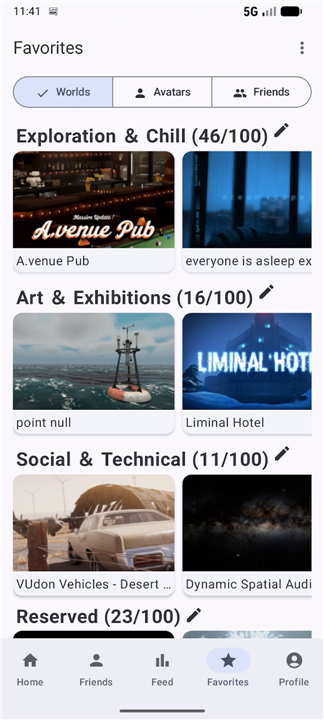
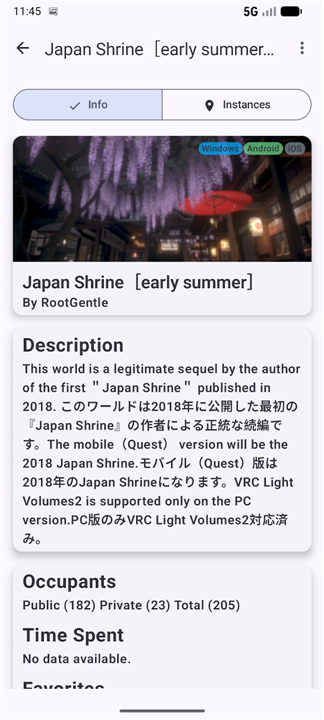
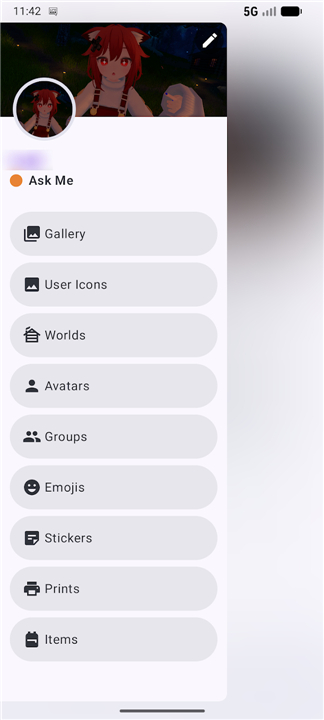
• VRCAA is an unofficial mobile companion application designed for Android users who want to stay connected to the VRChat universe without launching the resource-heavy desktop or VR game client.
• It provides an efficient platform for managing your virtual presence on the go.
Profile and Account Management
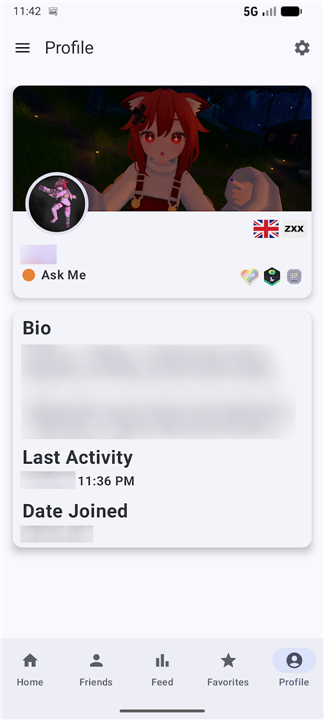
• Modify your status message, bio, and visual profile settings instantly.
• Manage personal account configurations and monitor account details securely.
• Adjust displayed details and account preferences directly from your phone.
Social Interaction and Friend Tracking
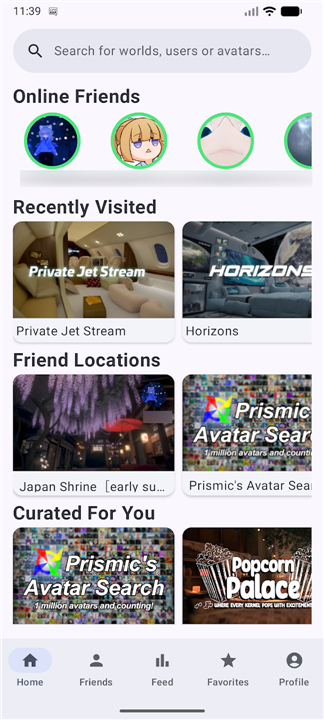
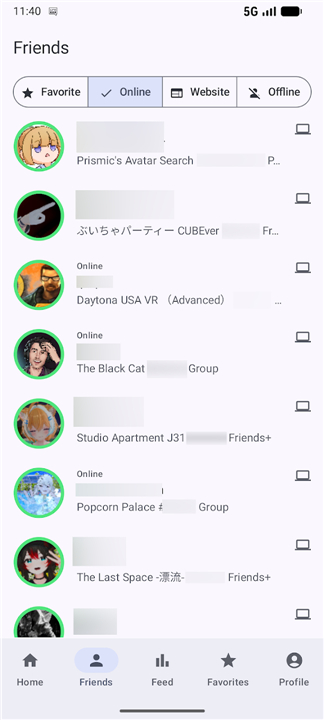
• View real-time online status updates, current locations, and active instances of your friends.
• Process incoming and outgoing friend requests efficiently.
• Keep up with direct communication and maintain active social connections anywhere.
Event and News Information
• Stay informed about scheduled community events, world launches, and group gatherings.
• Receive updates regarding official announcements and platform news.
• Track community activities without missing important social opportunities.
Mobile Accessibility
• Enjoy a lightweight application that saves battery and storage compared to the full game.
• Navigate features seamlessly using a user-friendly interface optimized for mobile devices.
• Access core administrative functions anytime without requiring access to a gaming PC or VR headset.
Important Disclaimer
• VRCAA is an independent, unofficial tool and is not affiliated with, authorized, maintained, sponsored, or endorsed by VRChat Inc.
• The views, opinions, and functionalities expressed within this application do not reflect or represent those of VRChat Inc. or its personnel.
FAQ
Q: Can I change my VRChat profile information through VRCAA?
A: Yes, you can edit your status message, bio, and visual profile settings directly from the app, and those changes sync to your VRChat account just as if you edited them on the desktop client.
Q: Is it safe to log into my VRChat account within VRCAA?
A: VRCAA uses the official VRChat API for authentication, so your credentials are handled securely. Nevertheless, because the app is unofficial, you should only download it from trusted sources and keep your device’s security updates current.
Q: How does VRCAA show my friends’ online status and locations?
A: The app pulls real‑time data from VRChat’s servers to display whether each friend is online, which world they are currently in, and the specific instance they occupy, updating automatically as their status changes.
Version History
v3.0.7——26 Aug 2026
A unofficial Friend Management Application for VRChat. Download the latest version of VRCAA to enjoy new features and updates immediately!
*3.0.7
- Now recommended worlds load properly each time
- Sped up application loading times
- Added missing group instance type indicators where applicable
- Changed database backup mime-type from application/octet-stream to application/zip for compatibility across OEMs
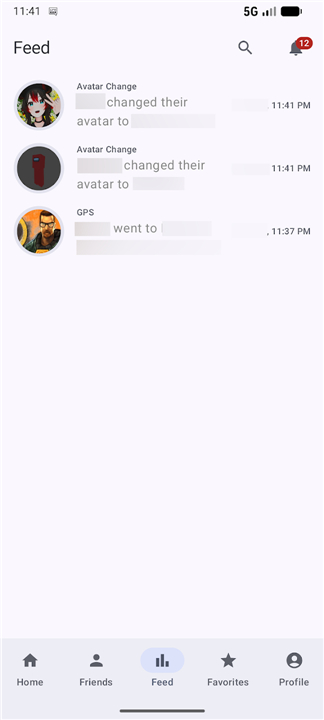
- Implemented feed paging support
- Updated translations
- Bug fixes & other minor improvements
*3.0.0
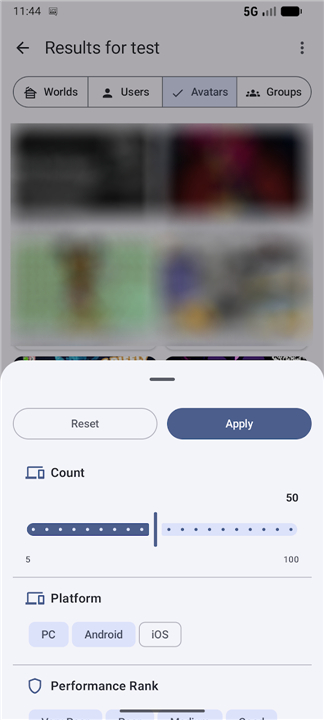
Overhauled search filter system
Now you can use various of filter categories i.e., performance rank or content gating.
"Offline Friends" on home page has been replaced with "Curated For You"
it uses recommendation algorithm to recommend interesting worlds
Now VRCAA keeps track of the time you spend in worlds
Added missing locale flags on user profile(s)
Fixed various of UI inconstancies across the application
Improved app stability & bug fixes
Updated translations
If you notice something strange, incorrect, or otherwise that should be improved, please contact me in the issues section and I will reply to your feedback.
*2.8.5
Optimized "Find Avatar" endpoint to reduce service traffic.
Fixed PeekActivity crash when no default browser is set.
Improved performance by indexing database fields and limiting results to the latest 1000.
Updated translations for multiple languages.
Updated Rich Presence to support recent Discord changes.
Enhanced UI/UX across the application for a smoother experience.
If you notice something strange, incorrect, or otherwise that should be improved, please contact me in the issues section and I will reply to your feedback.