Google AI Edge Gallery
Overview
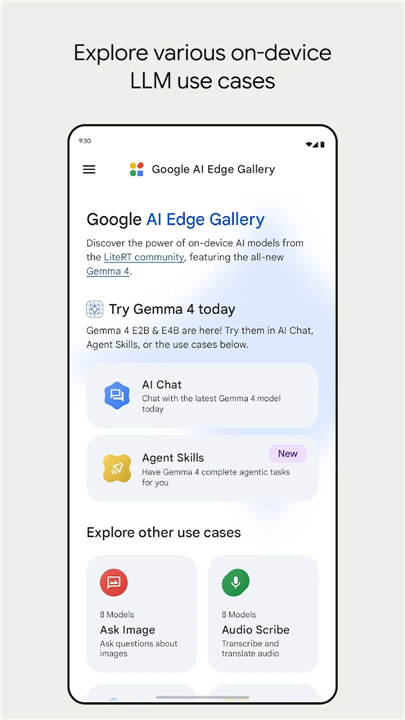
• Take complete control of artificial intelligence right on your phone with Google AI Edge Gallery.
• Run powerful, open-source Large Language Models directly on your hardware for lightning-fast, fully offline performance with absolute privacy.
Next-Generation AI & Reasoning
• Gemma 4 Integration: Access state-of-the-art logic, complex problem-solving, and creative generation entirely on your device.
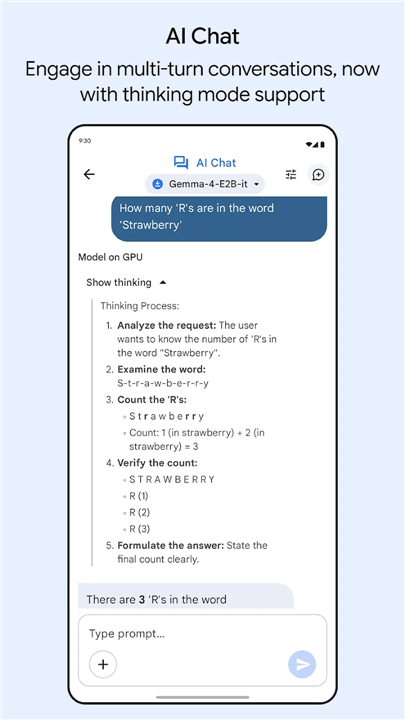
• Thinking Mode: Peek behind the curtain to observe the model's step-by-step reasoning process in real time.
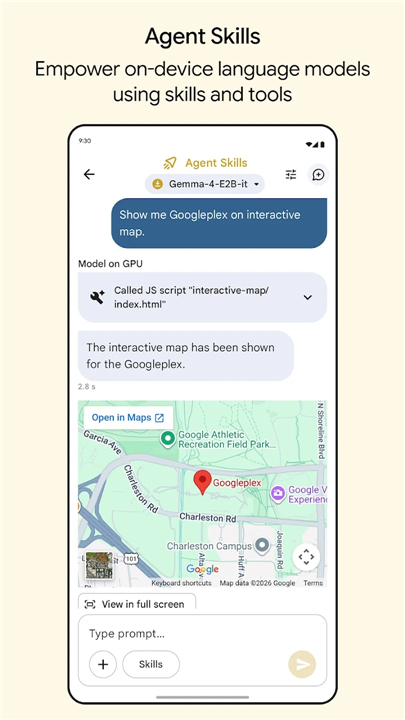
• Agent Skills: Upgrade standard models into proactive assistants using live maps, web summaries, and custom community tools.
• Prompt Lab: Take total control of your results by adjusting key settings like temperature and top-k in a flexible workspace.
Multimodal & Voice Tools
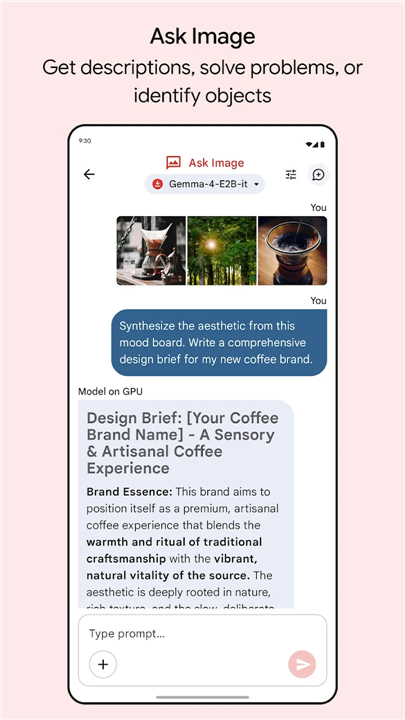
• Ask Image: Analyze visual puzzles, identify objects, and get instant image descriptions using your camera or photo library.
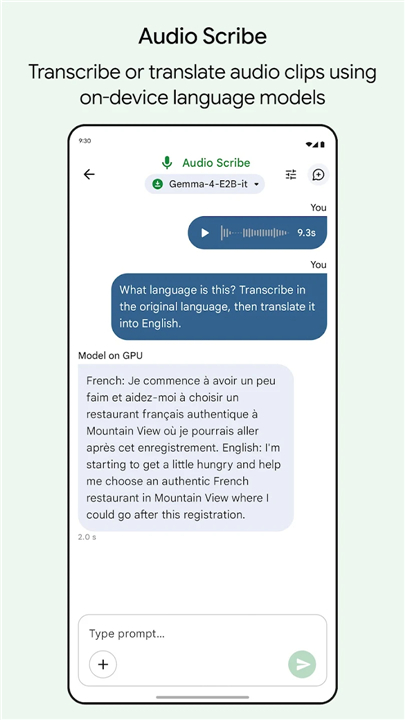
• Audio Scribe: Convert spoken words into written text instantaneously with high-efficiency local transcription and translation.
Device Control & Security
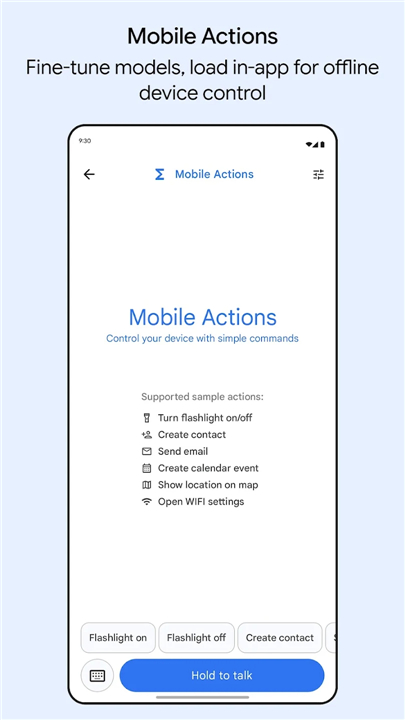
• Offline Mobile Actions: Trigger system tasks and automated commands locally using specialized FunctionGemma micro-models.
• 100% Local Privacy: Keep your data entirely secure. All processing happens on your device without sending prompts or files to external servers.
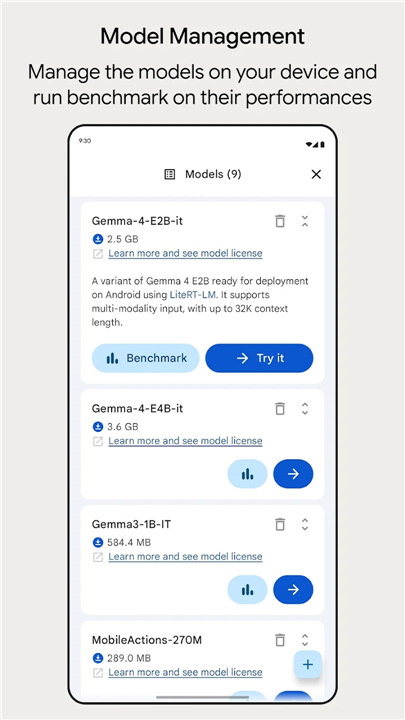
• Model Benchmarking: Test, compare, and manage different models to discover the exact performance capability of your specific hardware.
Join the Community
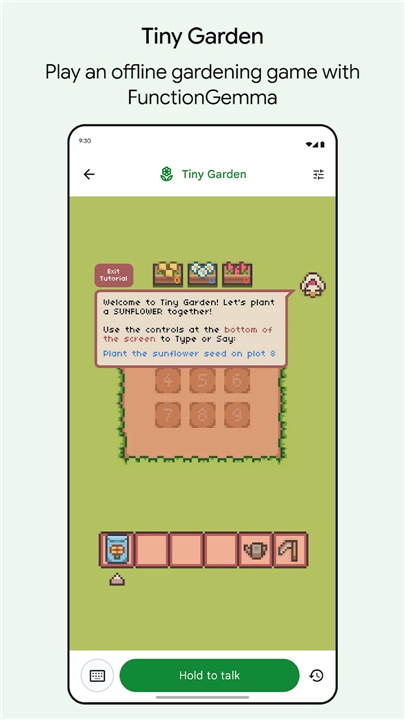
• Shape the Future of Mobile AI: Try out fun experimental features like the Tiny Garden mini-game, share your ideas on GitHub (https://github.com/google-ai-edge/gallery), and help build the next generation of mobile assistant tools.
Note:
• Performance depends on your device hardware (CPU/GPU).
• Share your feedback with us at google-ai-edge-gallery-android-feedback@google.com.
FAQ
Q: Can I really use a large‑language model offline?
A: Yes! The Gallery ships with optimized versions of models such as Gemma 4 that are compiled to run on the CPU or GPU of your device. As long as your phone meets the minimum hardware requirements, the model stays on‑device and answers your prompts without ever reaching a remote server.
Q: How does the “Thinking Mode” work?
A: Thinking Mode visualizes the model’s internal chain‑of‑thought. When you enable it, the app displays each reasoning step—like a tiny whiteboard—so you can see how the answer was built. It’s a great way to demystify AI and learn how prompt engineering influences outcomes.
Q: What is the Prompt Lab, and why would I use it?
A: Prompt Lab is a sandbox where you can tweak generation parameters such as temperature, top‑k, and max tokens. By adjusting these knobs you can make the model more creative, more focused, or more deterministic, giving you fine‑grained control over the style and quality of the output.
Version History
v1.0.18——24 Aug 2026
The power of AI on your Android device Download the latest version of Google AI Edge Gallery to enjoy new features and updates immediately!
*1.0.18
Minor bug fixes and improvements. Install or update to the newest version to check it out!
*1.0.17
Minor bug fixes and improvements. Install or update to the newest version to check it out!
*1.0.16
Minor bug fixes and improvements. Install or update to the newest version to check it out!