Make your videos pop with automatically generated subtitles, voice dubbing, and smart visual enhancements using Captions Lite—a mobile AI-powered video editor optimized for accessibility, engagement, and multilingual reach. Ideal for creators, marketers, small businesses, and agencies, this all-in-one app makes professional video creation possible in minutes with advanced editing features, customizable designs, and instant translation tools.
Automated Subtitling and Transcription
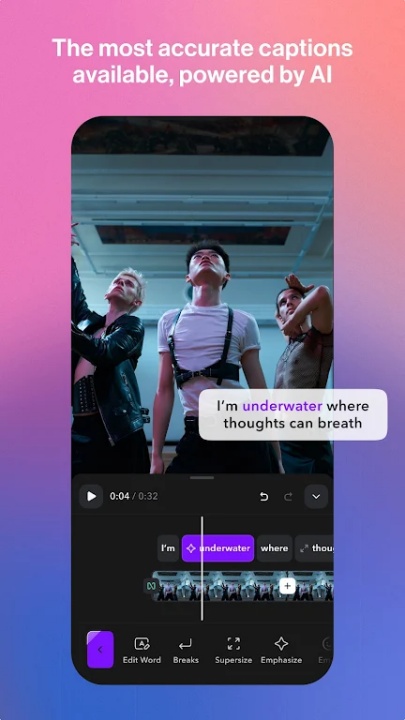
- Apply accurate captions automatically with advanced speech recognition
- Transcribe spoken content to editable text for quick revision and repurposing
- Overlay static text to emphasize brand messages, key dialogue, or annotations
Creative Caption Styling and Templates
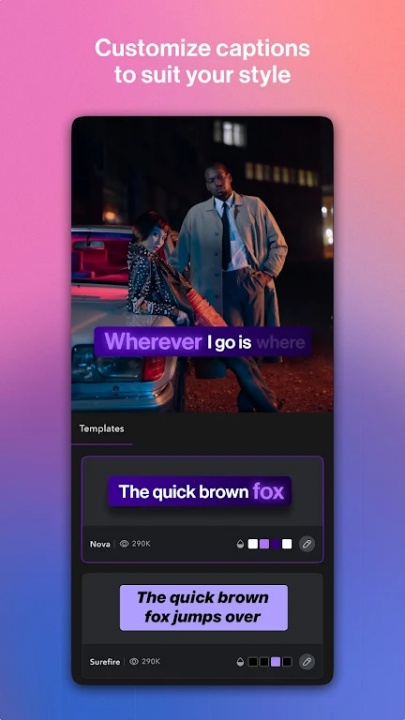
- Select from viral, minimalist, and branded caption templates to match your content style
- Customize caption fonts, colors, layouts, and emojis for consistent visual appeal
- Stay on-trend with an evolving library of templates used across major platforms
AI-Powered Editing Enhancements
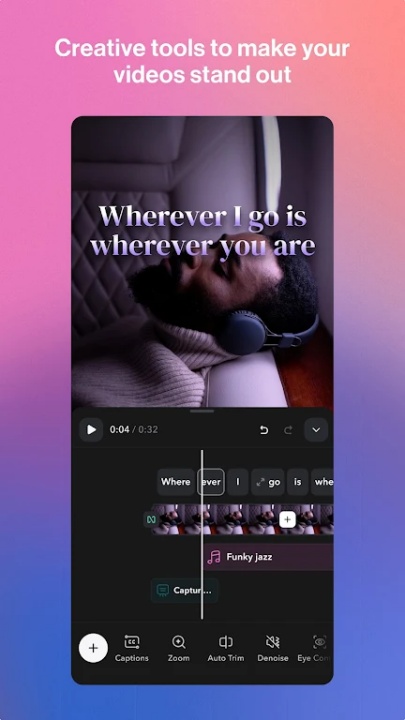
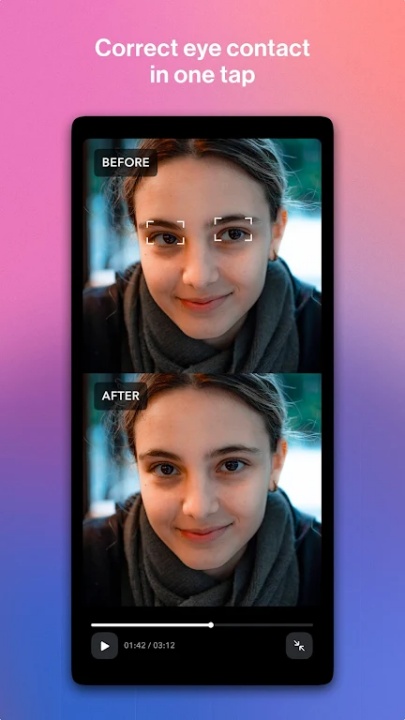
- AI Eye Contact: Adjust gaze post-recording to simulate direct viewer engagement
- AI Zoom: Add automatic camera motion and dynamic framing to static clips
- AI Sounds: Generate contextual sound effects to enhance video atmosphere
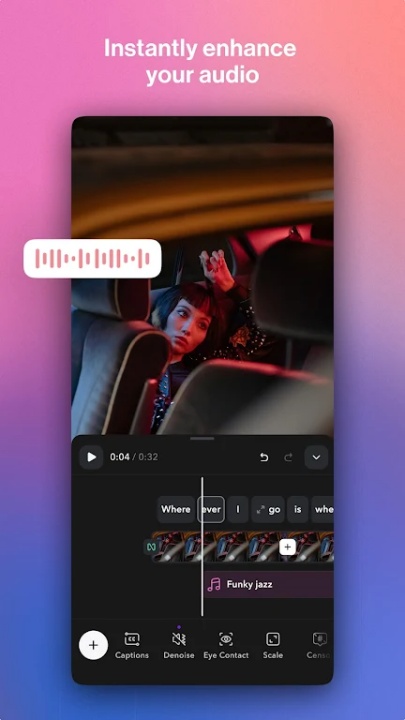
- AI Denoise: Reduce ambient audio noise for clearer voice tracks
Language Dubbing and Subtitle Translation
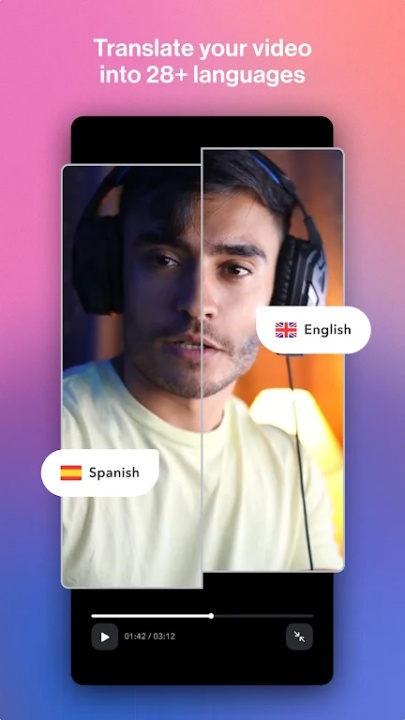
- Automatically dub your video into 29+ supported languages for broader reach
- Translate subtitles for captions in localized formats to grow international audiences
- Transcription and subtitle tools maintain timing accuracy across translations
Video Format Versatility
- Export content for platforms like Instagram Reels, Stories, Threads, TikTok, and YouTube Shorts
- Compatible with mobile content formats and vertical aspect ratios
- Use the full video editing suite for trimming, layering, and style adjustments
Accessibility and Viewer Engagement
- Enhance reach by making spoken content readable in noisy or sound-off environments
- Support inclusive storytelling for viewers with hearing loss through dynamic closed captions
- Increase retention with branded subtitles and engaging overlays preferred by mobile audiences
Trusted by Millions
- Over 10 million users rely on Captions for fast, smart, and stylish video production
- Optimized for creators on the go, with intuitive tools and one-click editing workflows
- Free trial available with secure access to AI-powered editing features
Frequently Asked Questions
Q: Can Captions Lite generate subtitles automatically?
Yes, it uses AI speech recognition for instant captioning.
Q: Are the subtitles customizable?
Yes, you can adjust fonts, colors, styles, and add emojis.
Q: Does the app support multiple languages?
Yes, dubbing and subtitle translation are available for over 29 languages.
Q: What AI effects are included?
Eye contact correction, automatic zooms, sound effects, and background noise removal.
Q: Is this app suitable for vertical video editing?
Yes, it supports formats for mobile platforms like Reels, Threads, and Shorts.
Q: Can I use captions in noisy environments?
Yes, dynamic closed captions are optimized for silent viewing and accessibility.
Q: Is the app easy to use for beginners?
Yes, it’s designed with intuitive workflows and ready-made templates.
Q: Is there a free trial available?
Yes, new users can start with a free trial to access premium tools.
Version History
v4.6.0 —— 7 Aug 2025
Bug fixes & improvements—technical refinements for smoother app performance and editing features
v4.5.0 —— 29 Jun 2025
Bug fixes & improvements—continued backend updates across caption and video generation tools
v4.3.0 —— 6 May 2025
Bug fixes & improvements—general stability enhancements applied to improve the user experience