AI Video Editor - VideoShow AI
Elevate Your Storytelling with AI
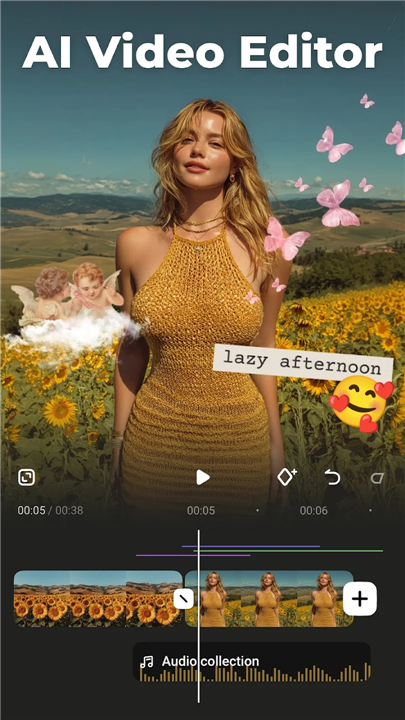
• Transform your footage into cinematic masterpieces with VideoShow, the ultimate all-in-one AI video editor.
• Whether you are crafting vlogs, professional content, or viral social media clips, our platform integrates cutting-edge AI models—including Seedance, Kling, and Vidu—to turn your creative vision into reality.
• Stop editing manually and start creating effortlessly.
AI-Powered Generation
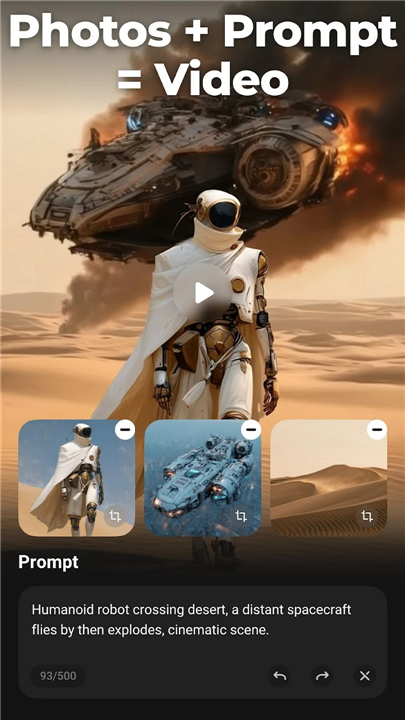
• Text to Video: Simply describe your scene, and watch as AI generates compelling visuals instantly.
• Image Animation: Breathe life into static photos by converting them into dynamic, cinematic sequences.
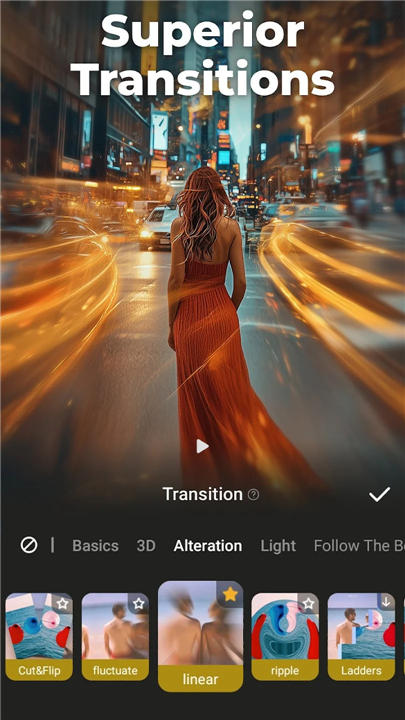
• Smart Automation: Let our AI handle the heavy lifting with automatic color grading, seamless transitions, and precise keyframing.
• Intelligent Tools: Benefit from AI-powered auto-subtitling, voice changing, and privacy-focused mosaic effects.
Professional Editing Suite
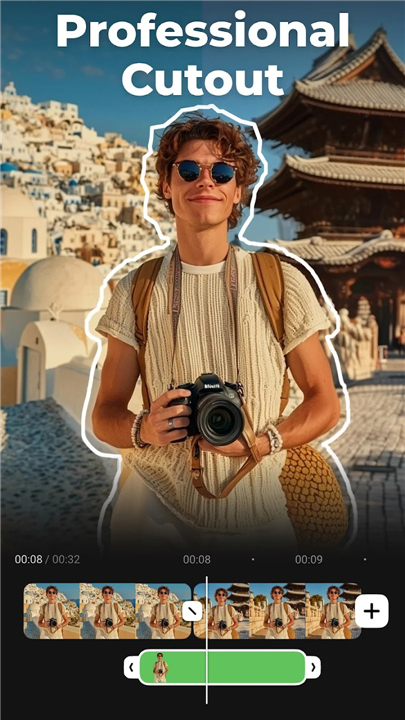
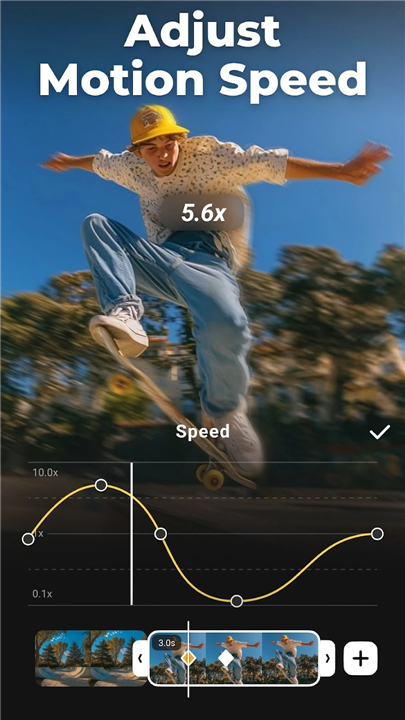
• Comprehensive Controls: Splice, merge, zoom, and adjust clip speeds with precision.
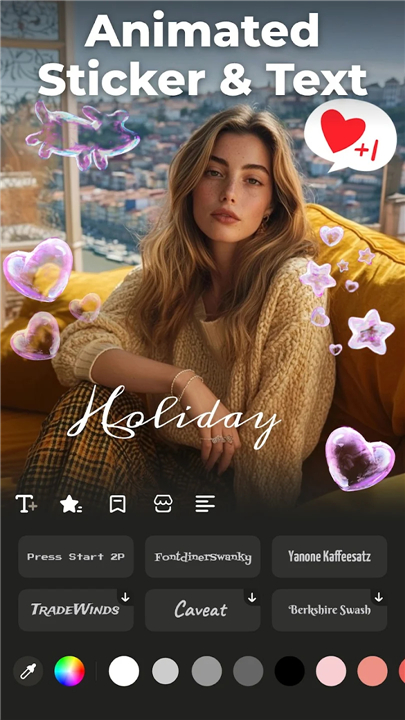
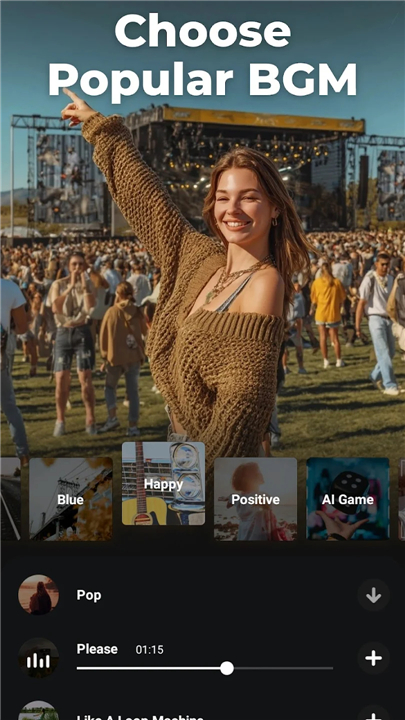
• Cinematic Polish: Access a vast library of licensed music, customizable text fonts, and professional-grade filters.
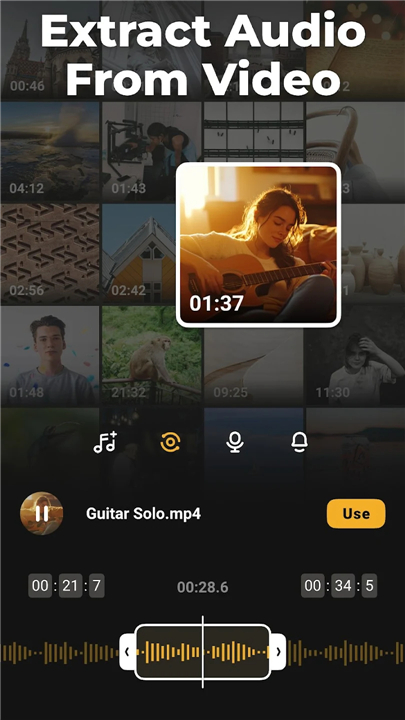
• Audio Mastery: Extract high-quality audio, enhance voiceovers, or apply experimental sound effects.
• High-Def Output: Export your creations in crisp 4K, ensuring your content looks sharp on every screen.
Optimized for Social Influence
• Template Library: Utilize ready-made themes to produce trendy, engaging content in minutes.
• Multi-Platform Ready: Effortlessly adjust aspect ratios for TikTok, Instagram Reels, Facebook, and more.
• Streamlined Sharing: Export your finished project with a single tap to reach your audience instantly.
Download VideoShow Today
• Experience the future of professional editing.
• Turn your imagination into impactful video content today.
Disclaimer:
• VideoShow is an independent application and is not affiliated with or endorsed by Instagram, TikTok, WhatsApp, YouTube, Facebook, Twitter, or REDnote.
FAQ
Q: Can I truly generate a video from scratch using only a text description?
A: Yes, our Text-to-Video feature allows you to input a detailed description of your desired scene, and the internal AI models will synthesize corresponding visuals. It is an excellent tool for filling narrative gaps in your project without needing to film new footage.
Q: Does the Image Animation feature work on any type of photograph?
A: The tool is designed to breathe life into static images by applying dynamic motion sequences. While it works best on high-resolution, clear subjects, you can use it on a wide variety of photos to turn them into cinematic sequences that feel like they were captured on a video camera.
Q: How does the Smart Automation feature save me time during the editing process?
A: Smart Automation removes the tedious aspects of post-production by handling time-consuming chores like color grading, transition alignment, and precise keyframing. By letting the AI manage these technical adjustments, you can focus your energy on the creative storytelling and pacing of your video.
Version History
v11.0.4.3——25 May 2026
Al Video Generator: Photo to Video, Edit Video with Effects, Music, Auto Caption Download the latest version of AI Video Editor - VideoShow AI to enjoy new features and updates immediately!
*11.0.4.3
Hey, guys,
With this update:
We provide you with the following functions
- Multiple upgrades to subtitle-related features
- Improve performance and optimize experience
Let you enjoy editing!
*11.0.4.2
Hey, guys,
With this update:
We provide you with the following functions
- Multiple upgrades to subtitle-related features
- Improve performance and optimize experience
Let you enjoy editing!
*11.0.4.1
Hey, guys,
With this update:
We provide you with the following functions
- Multiple upgrades to subtitle-related features
- Improve performance and optimize experience
Let you enjoy editing!