Video Editor: AI Video Maker
Your All‑in‑One Creative Suite
• Turn everyday snapshots into polished videos with a single, intuitive app.
• Whether you’re putting together a quick memory reel, a music‑backed slideshow, or a social‑media clip, Video Editor: AI Video Maker gives you the tools you need—no professional training required.
Why Choose This App?
• User‑friendly design – Seamless navigation and a straightforward timeline make editing feel natural, even for beginners.
• All‑in‑one functionality – Combines video editing, photo enhancement, slideshow creation, and music integration in one place.
• Mobile‑first workflow – Create, edit, and share directly from your device without needing a desktop.
Core Features
1. Create Videos from Photos
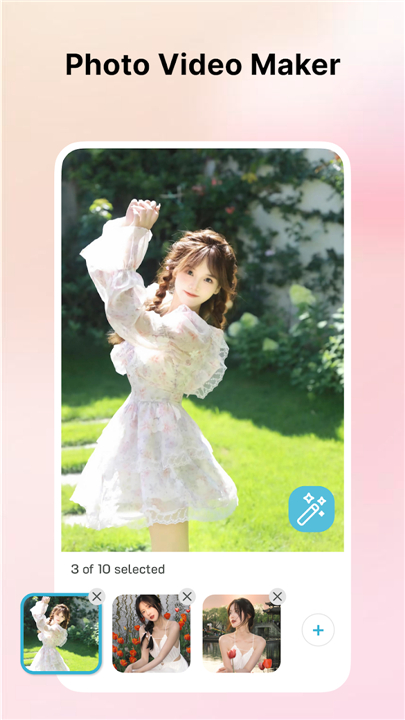
• Import images from your gallery and arrange them into dynamic video sequences.
• Perfect for travel logs, family memories, or eye‑catching social posts.
2. Add Music Effortlessly
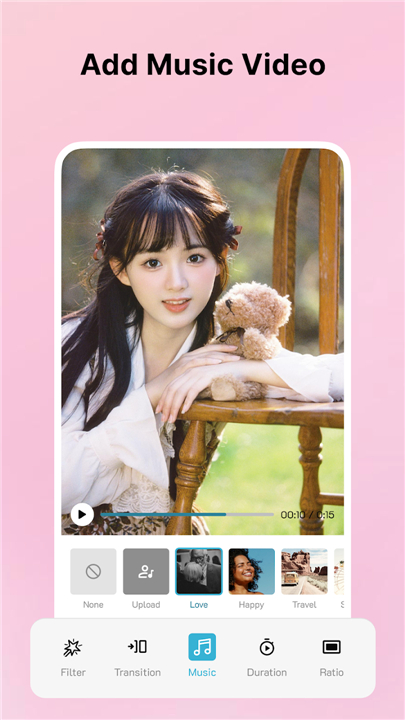
• Choose a track from your library or select a built‑in royalty‑free option.
• Sync the soundtrack to your visuals with a single tap.
3. Advanced Photo Editing
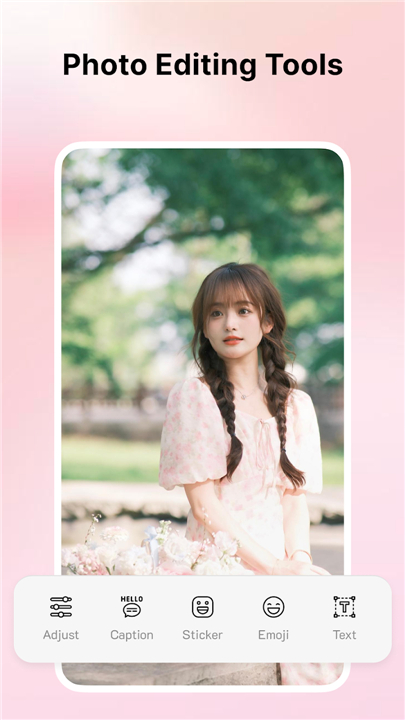
• Adjust brightness, contrast, hue, and saturation before turning photos into video frames.
• Ensure every image looks crisp and balanced.
4. Stylish Filters & Effects
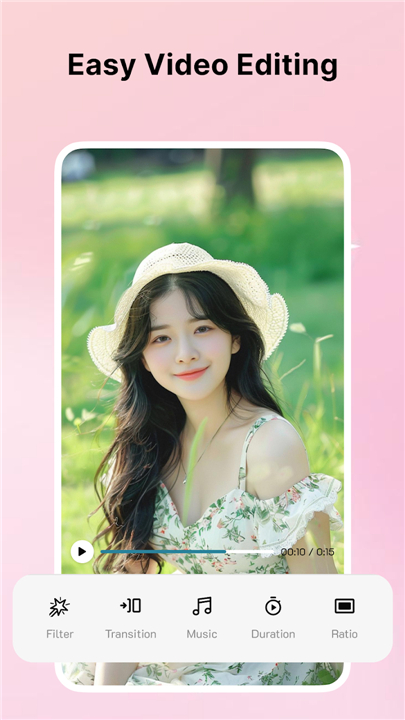
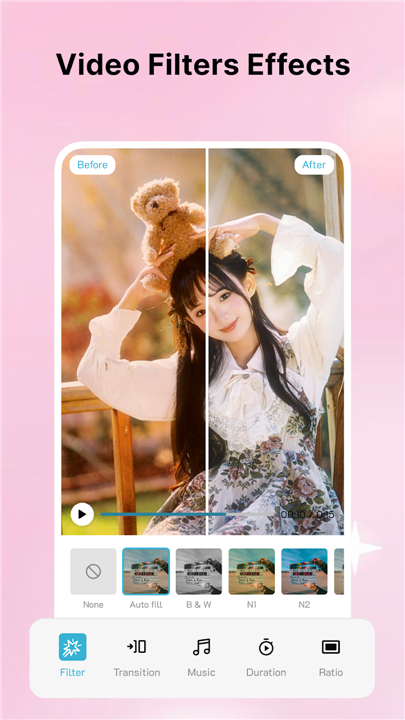
• Apply cinematic filters and visual effects to give your footage a consistent, professional look.
5. Smooth Transitions
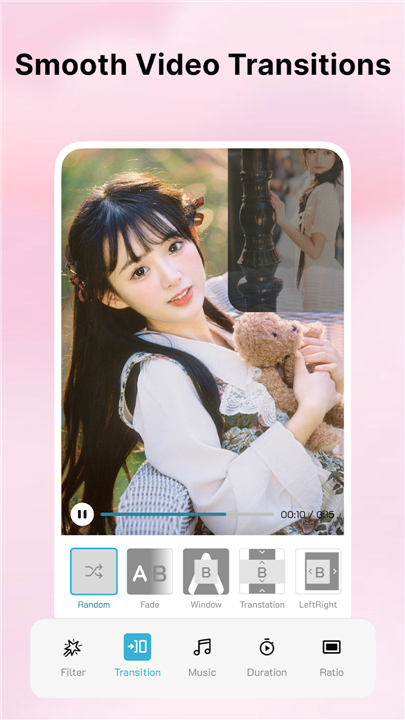
• Insert fade, slide, and other transition styles between clips for a fluid viewing experience.
6. Text, Stickers & Captions
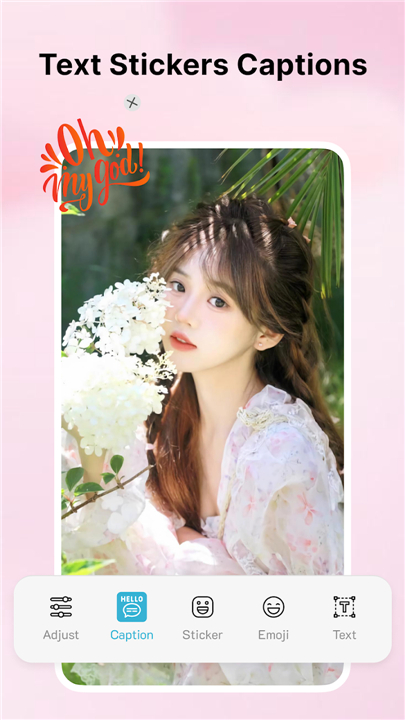
• Overlay titles, subtitles, or playful stickers to highlight key moments and add personality.
7. Simple Timeline Controls
• Drag‑and‑drop clips, trim durations, and preview changes instantly.
• All edits are made with a few intuitive gestures.
8. Project Management & Sharing
• Save projects within the app for later tweaks.
• Export finished videos in high quality and share directly to social platforms or messaging apps.
Get Started Today
• Download Video Editor: AI Video Maker and start turning photos into engaging stories with music, filters, and custom text—all from the palm of your hand.
• Your feedback drives future updates, so we welcome your reviews and suggestions.
FAQ
Q: Can I create videos using only the photos stored on my mobile device?
A: Yes, the app is specifically built to import your existing photo gallery images and transform them into dynamic video sequences. This makes it effortless to compile your travel logs or family memories into a cohesive story.
Q: Does the app include built-in music, or must I use my own tracks?
A: You have the flexibility to do both. You can select a track from your personal device library to set a specific mood, or you can choose from our selection of royalty-free music built directly into the app for a quick and legal soundtrack solution.
Q: How does the music synchronization work?
A: Our app features a simple, one-tap synchronization tool that aligns your chosen audio track with the visual beats of your video, ensuring that your transitions and clips flow naturally with the music.
Version History
v1.0.8——25 May 2026
Create stunning videos with Video Editor: AI Video Maker. Turn photos into professional clips with music, filters, and easy editing tools. Download the latest version of Video Editor: AI Video Maker to enjoy new features and updates immediately!
*1.0.8
Minor bug fixes and improvements. Install or update to the newest version to check it out!
*1.0.4
Minor bug fixes and improvements. Install or update to the newest version to check it out!